 iPhone and iPad · iOS 26 or later
TV and streaming remote
Coming to the App Store
Easychair
Lost the remote again? Easychair puts every TV and streaming box in the house on your iPhone or iPad: Roku, Fire TV, Apple TV, Google TV, Samsung and LG, each with its buttons where you'd expect them. Pay once. No ads, ever.
- Free
- 1 TV
- Unlimited
- $4.99 once
- Data collected
- None
Why Easychair
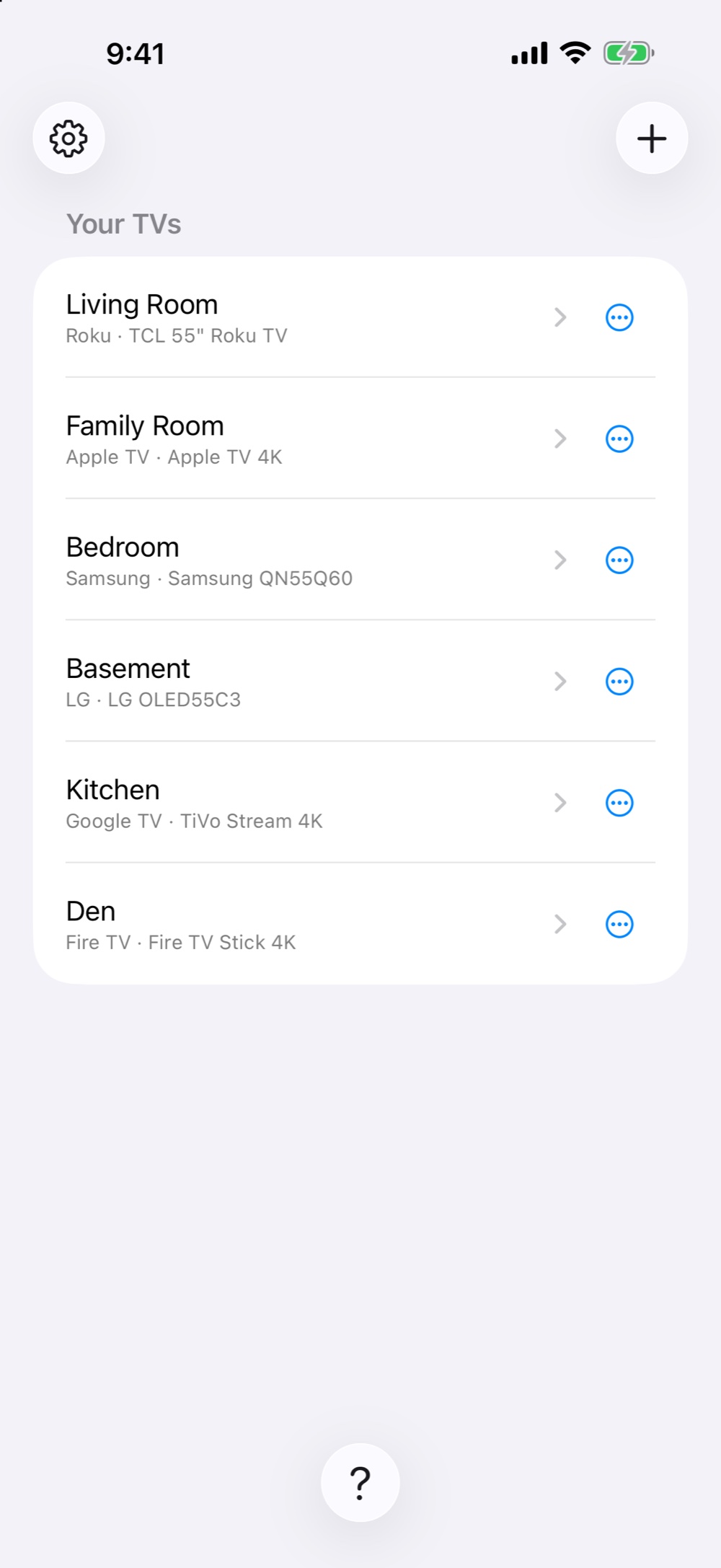
- The whole house in one app. The Samsung in the living room, the Roku stick in the bedroom, the Fire TV in the den, the Apple TV in the family room. Easychair finds them all on your Wi-Fi, and switching between them takes a tap.
- Streaming sticks and boxes too. Not just smart TVs: Roku sticks and boxes, Amazon Fire TV Stick and Fire TV Cube, Apple TV, Chromecast with Google TV, onn., TiVo Stream 4K and other Google TV and Android TV streamers.
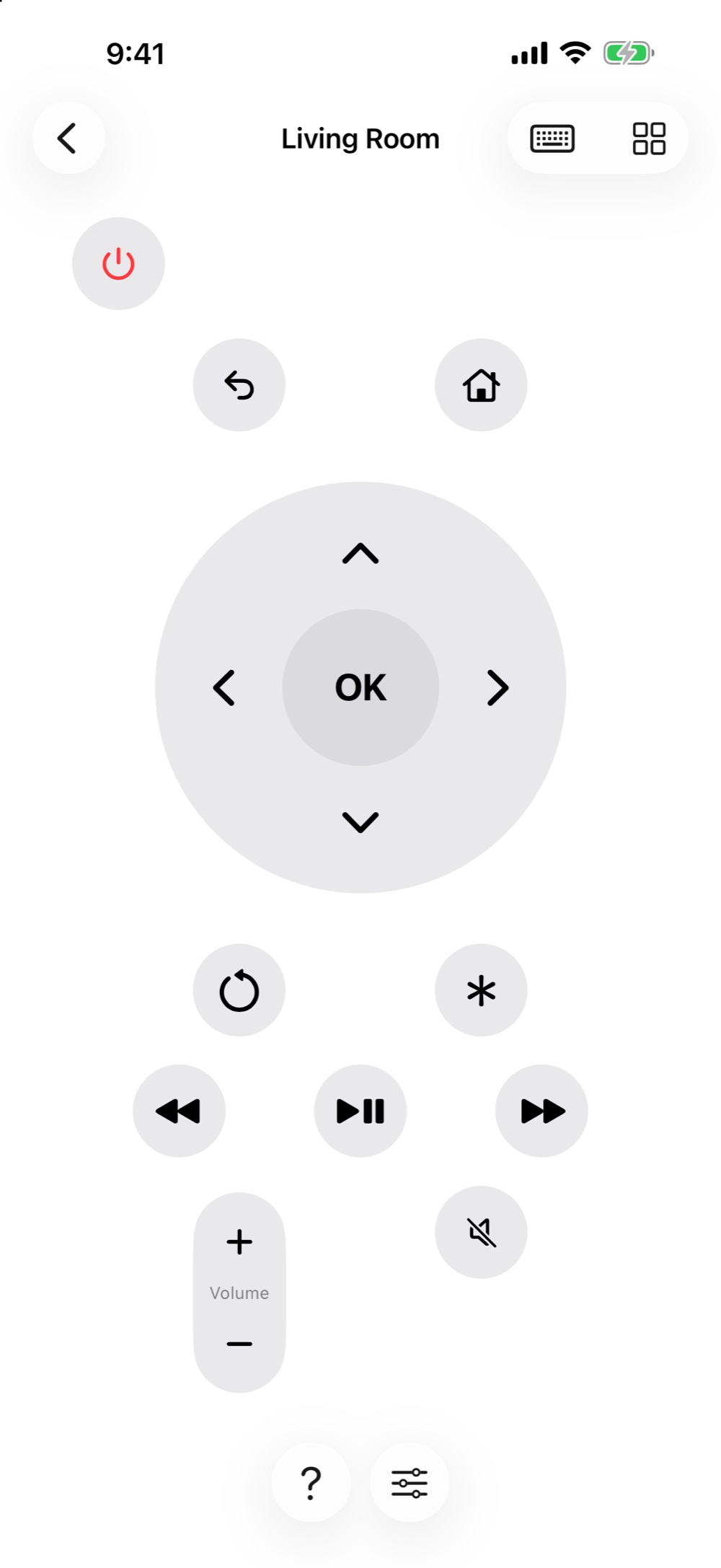
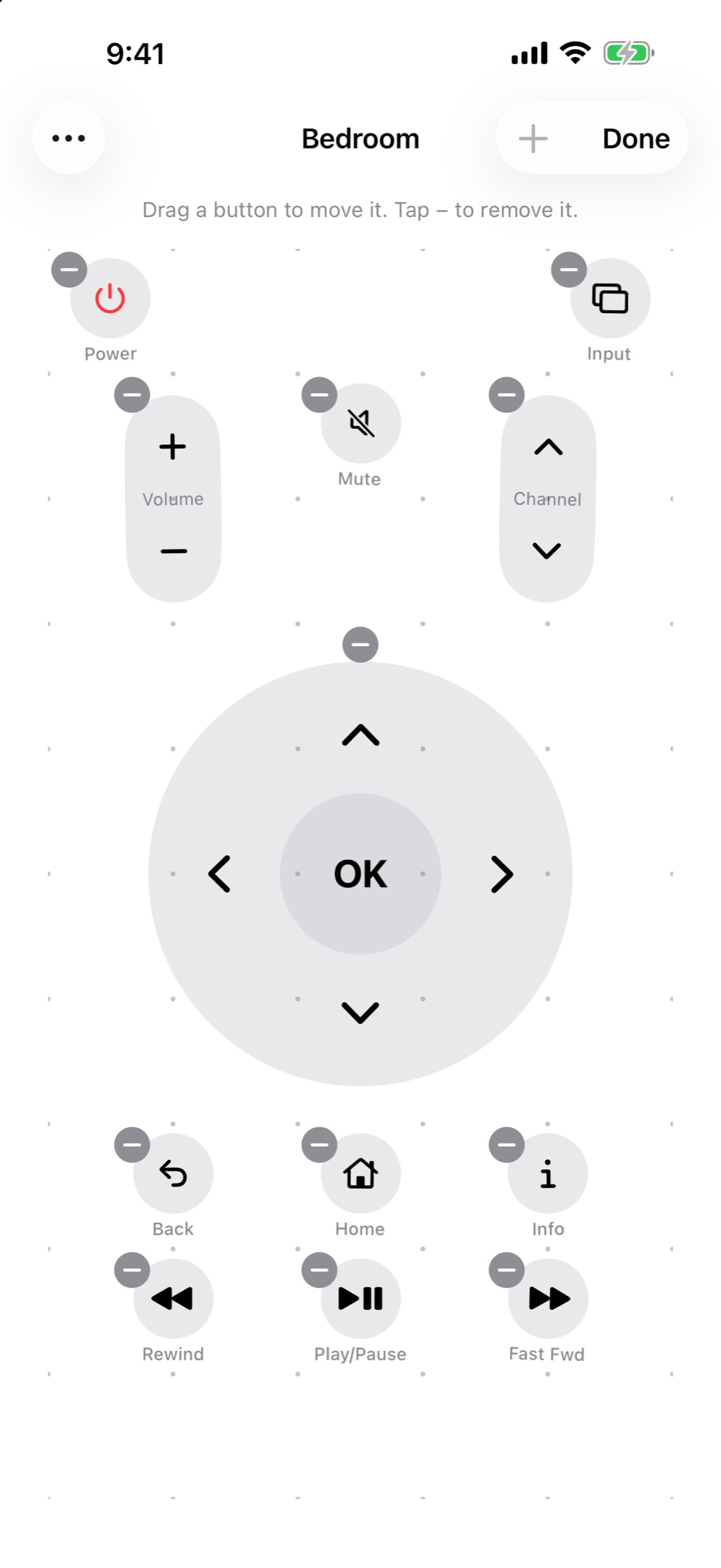
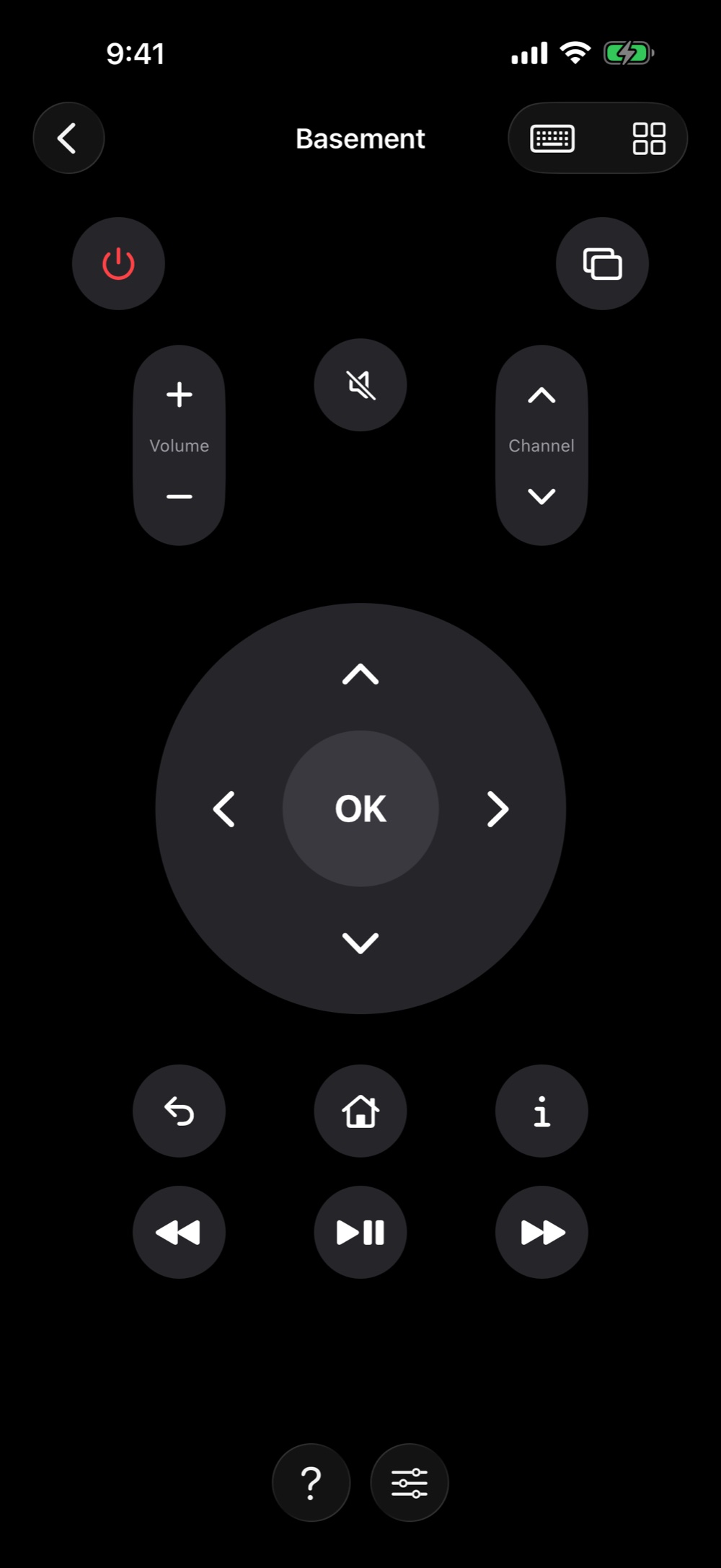
- Buttons where you expect them. Each remote is laid out like the one that came in the box, so there's nothing to learn. Want it different? Drag buttons around, drop the ones you never touch, or add a 10-second skip.
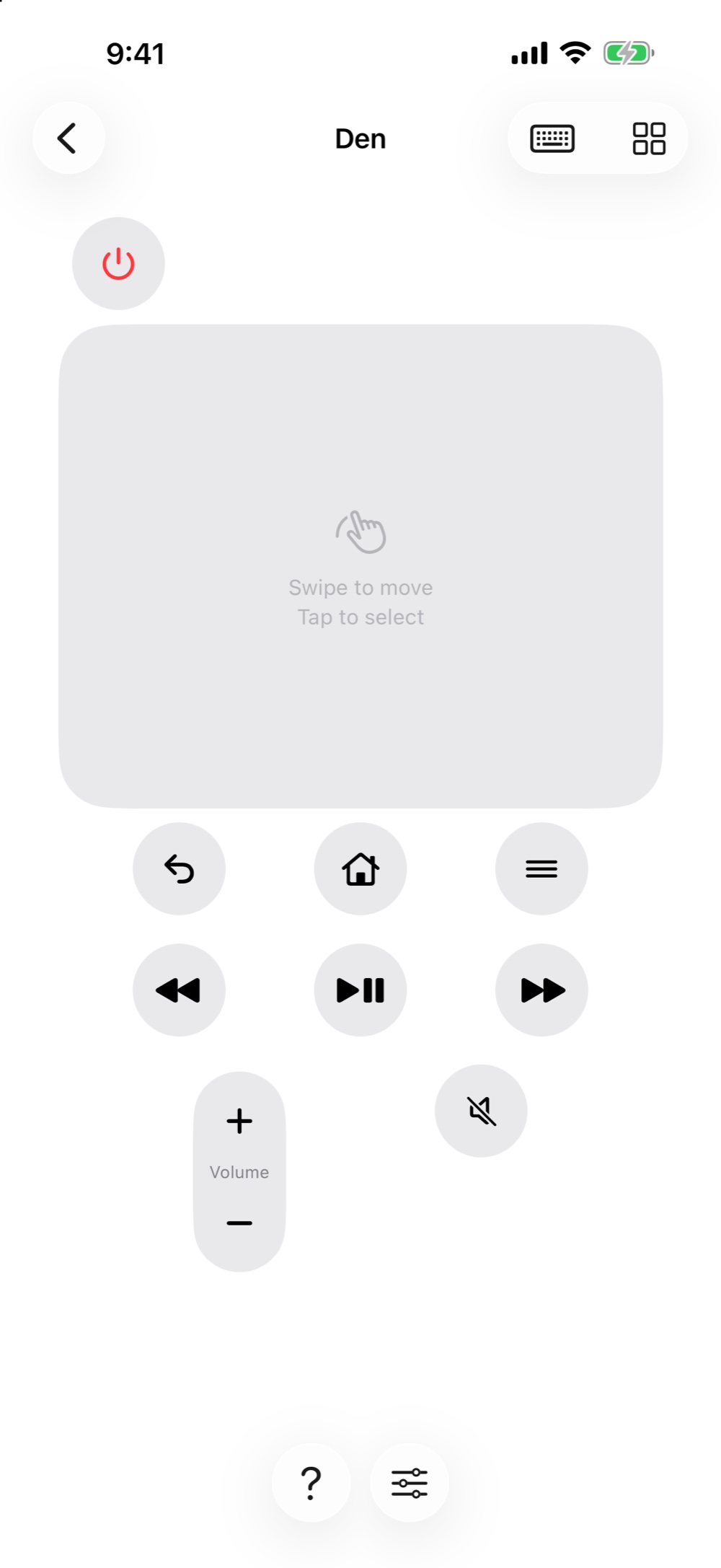
- Swipe, if you'd rather. Swap the arrow pad for a trackpad and glide around the screen with your thumb, the way you do on an Apple TV remote.
- Pay once, and you're done. Your first TV is free, with every button. One purchase unlocks the rest of the house for the whole family. No subscription, no ads, no “rate us” pop-ups.
- It all stays home. Easychair talks straight to your TVs over your Wi-Fi. No account, no tracking, and nothing is sent to us.
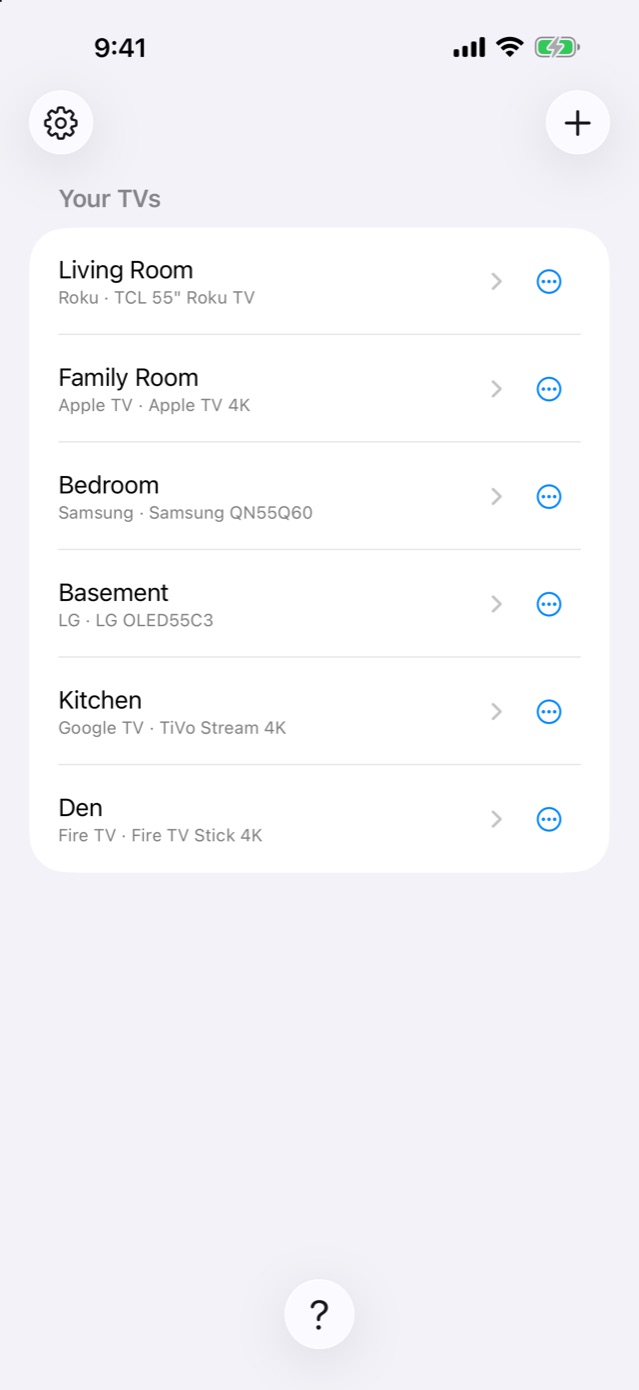
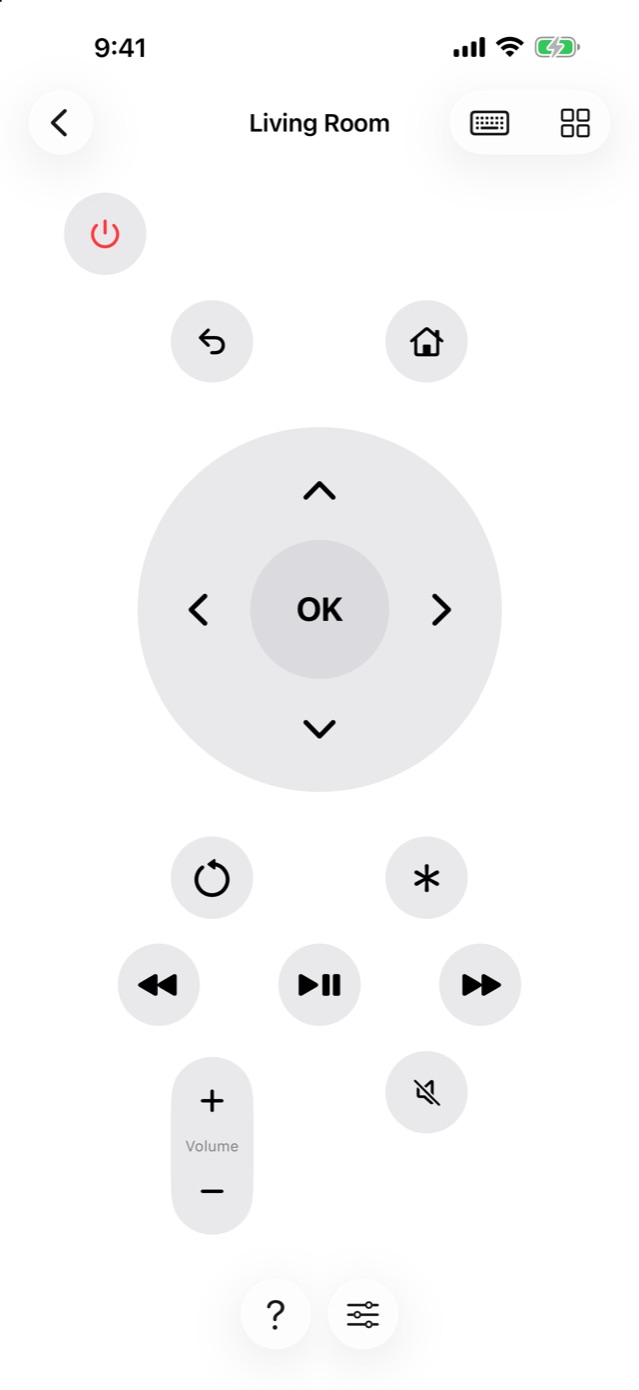
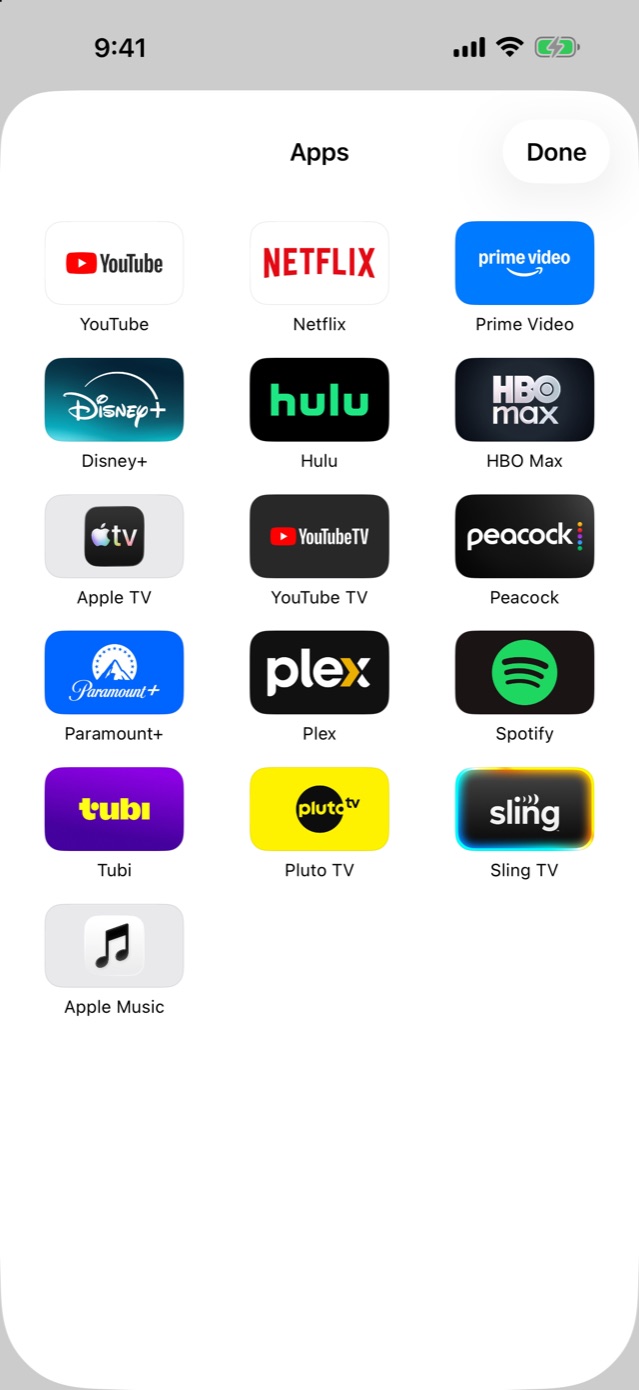
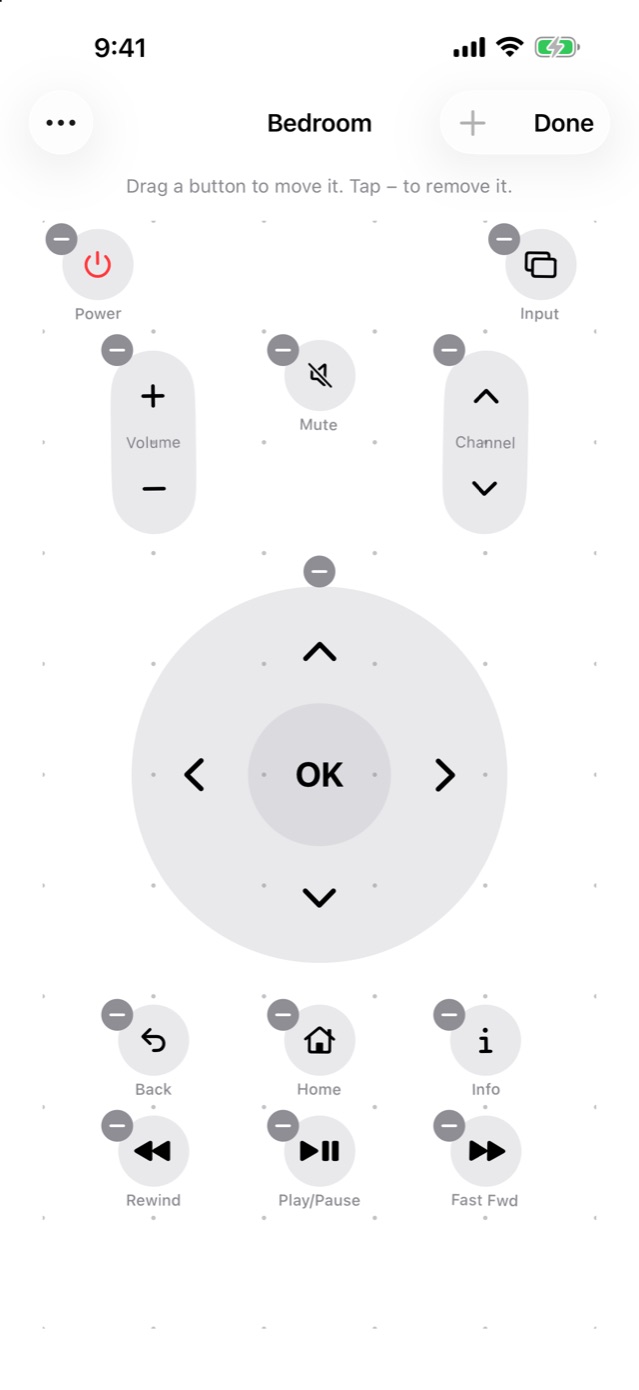
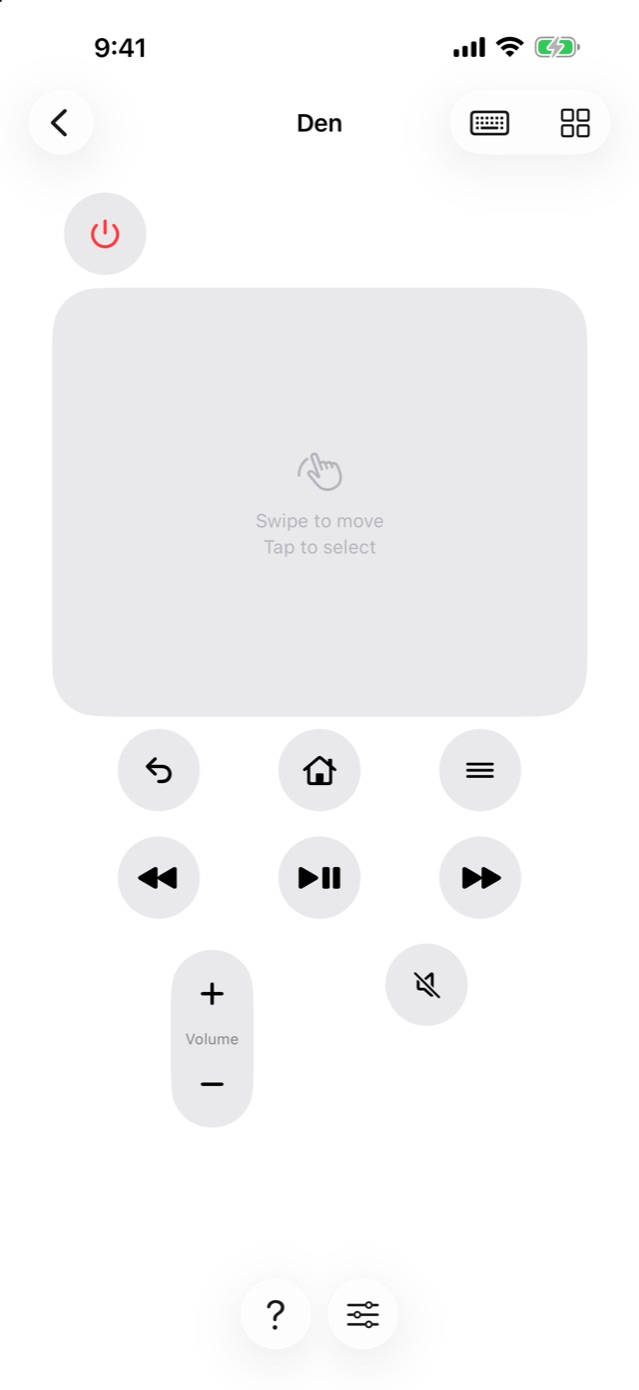
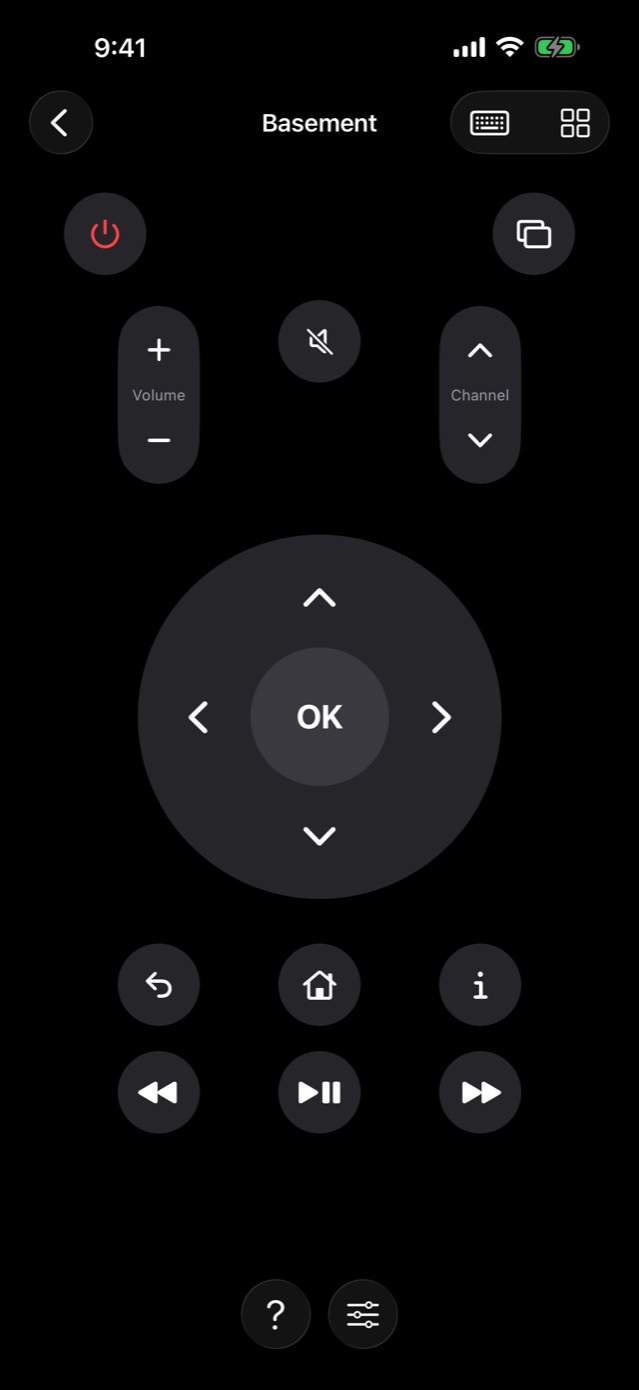
Screenshots taken on iOS 27, with sample TVs.
Also in Easychair
- One swipe away. Add Easychair to Control Center, the Lock Screen or the Action button, and your remote is right there.
- Type with a real keyboard. Search for a show with your iPhone's keyboard instead of pecking at letters with the arrow keys.
- Picks up where you left off. Easychair opens straight to the last TV you used.
- A real Mute for Apple TV. Just like the button on the Siri Remote.
- Big on iPad. The remote grows to fill the screen, upright or sideways.
- Help when you need it. Plain steps for pairing each kind of TV and box, and for fixing what doesn't work.
Setup
- Turn on your TV or streaming box, and make sure your iPhone or iPad is on the same Wi-Fi.
- Open Easychair, tap +, then Find TVs. Let Easychair look on your local network when asked, then tap what you'd like to add.
- Pair once. Samsung and LG TVs ask you to choose Allow with their own remote; Google TV, Apple TV and Fire TV show a short code to type in. A Roku is ready right away.
Good to know
- Easychair uses Wi-Fi, not infrared, so it works from anywhere in the house. Your TV or box just needs to be on the same network.
- It can switch every TV and box off. Switching on depends on the device: Roku TVs (with Fast TV Start), Apple TV and Google TV streamers wake right up, and a sleeping Fire TV usually does too. Samsung and LG TVs drop off the network when they're off, so turn those on with their own remote for now.
- On a streaming stick or box, volume and mute work when it's set up to control your TV's volume (HDMI-CEC). Each device's page in the app's Help shows where that setting is.
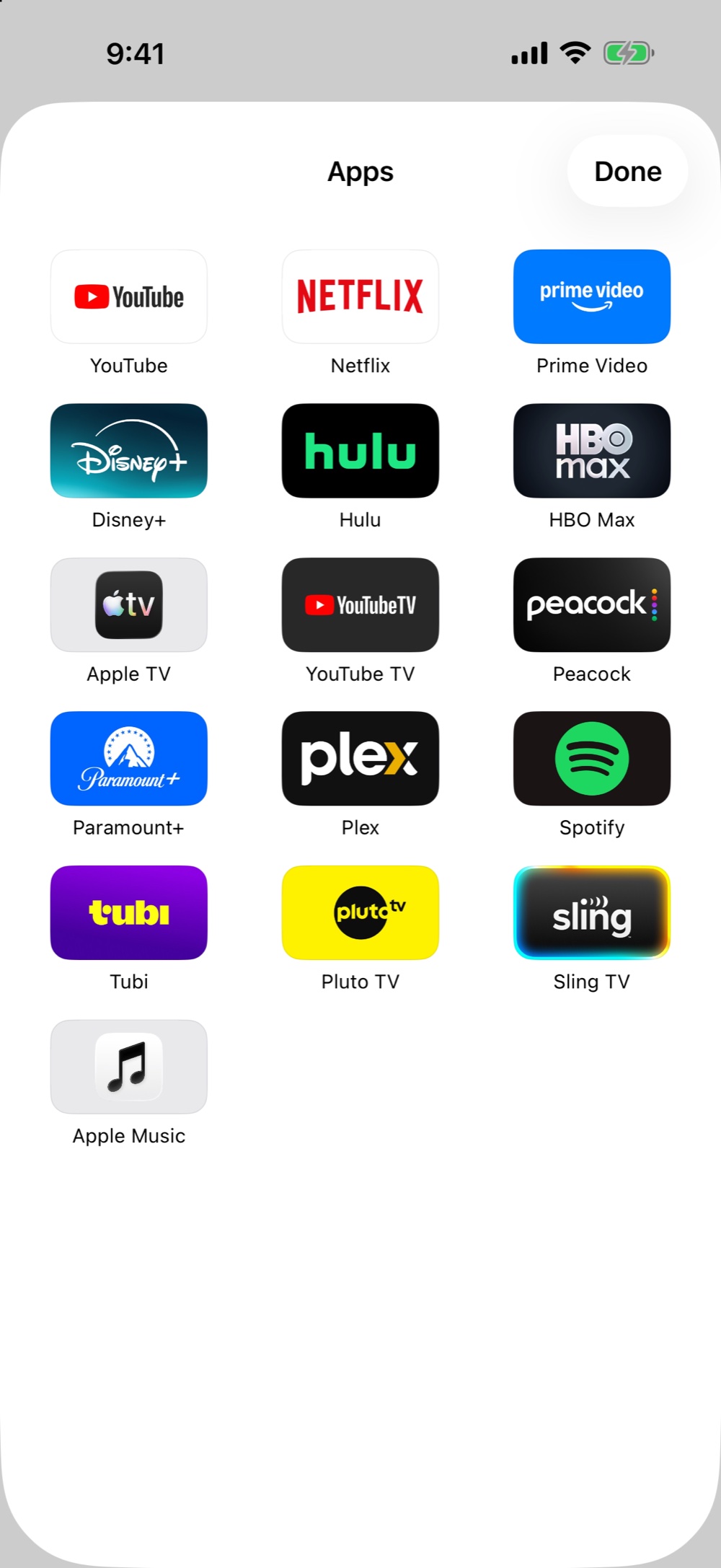
- Google TV doesn't share its list of installed apps, so its app grid shows the popular ones.
Pricing
Your first TV is free, with every button. Easychair Unlimited is $4.99, once. It adds every other TV and streaming box in the house, the Control Center button and Shortcuts, and Family Sharing covers your whole family. No subscription, no ads.
Support
- Can't find your TV or box? Check that your iPhone and the TV are on the same Wi-Fi (not a guest network), and that Easychair is allowed in Settings → Privacy & Security → Local Network. Or add it with + → Add by Address.
- Roku says phone control is off? On the Roku, go to Settings → System → Advanced system settings → Control by mobile apps and choose Enabled.
- A button does nothing? Tap ? on the remote. Each device's page in Help explains what it can do and any setting to turn on.
- Unlock missing on a new iPhone? Tap Restore Purchase in Easychair's Settings.
Anything else: support@voussoirsoftware.com, or Settings → Email Support in the app.