 iPhone · iOS 26 or later
M4B and MP3 audiobooks
Storyhour
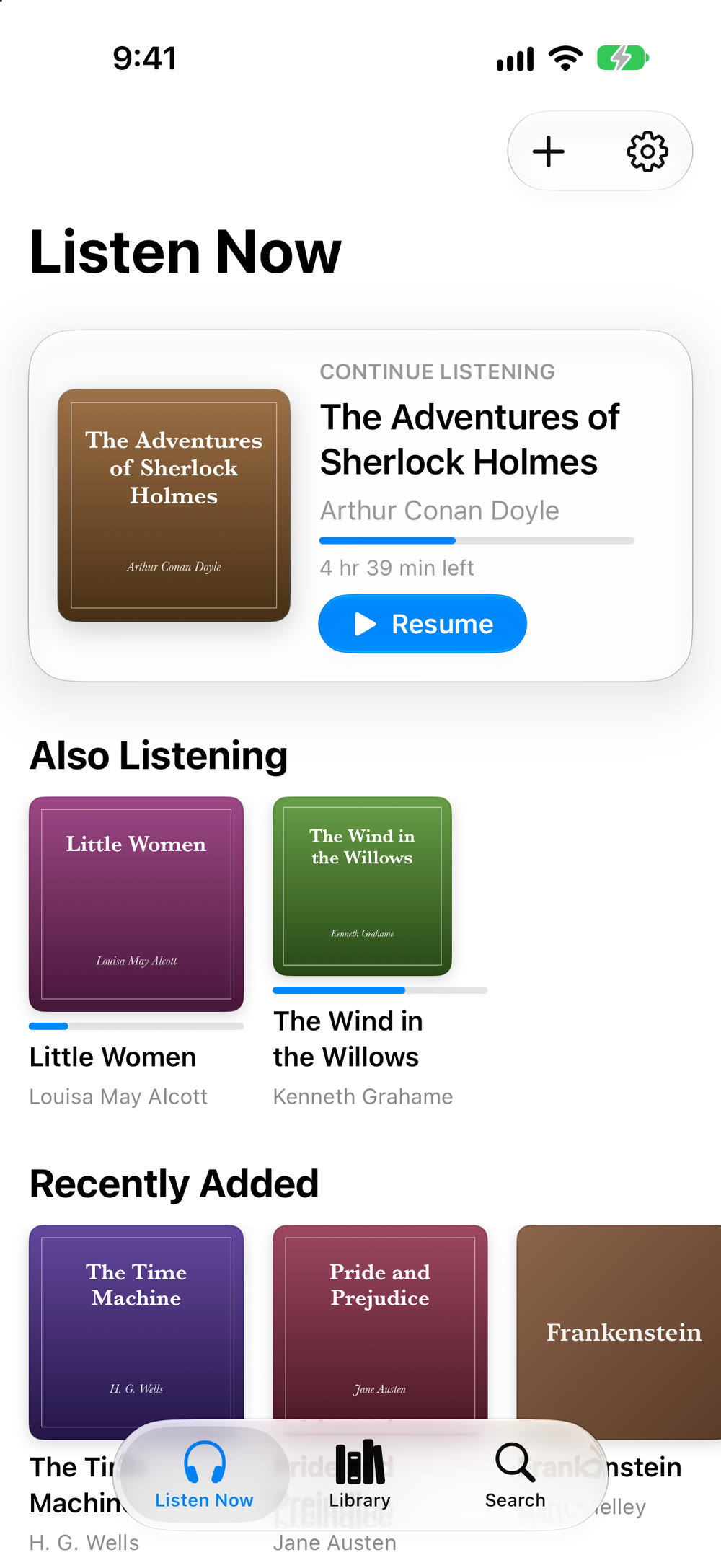
An audiobook player for the books you own, that gets the things that matter right: real chapters, your place in every book, and one honest price.

- Free
- Any 3 books
- Unlimited
- $4.99 once
- Data collected
- None
Why Storyhour
- One price, no catches. Try it with any 3 books, with every feature. Then unlock your whole library once, for your whole family. No ads, no subscription, no tip jar, no time limit, and no pop-ups asking for a rating.
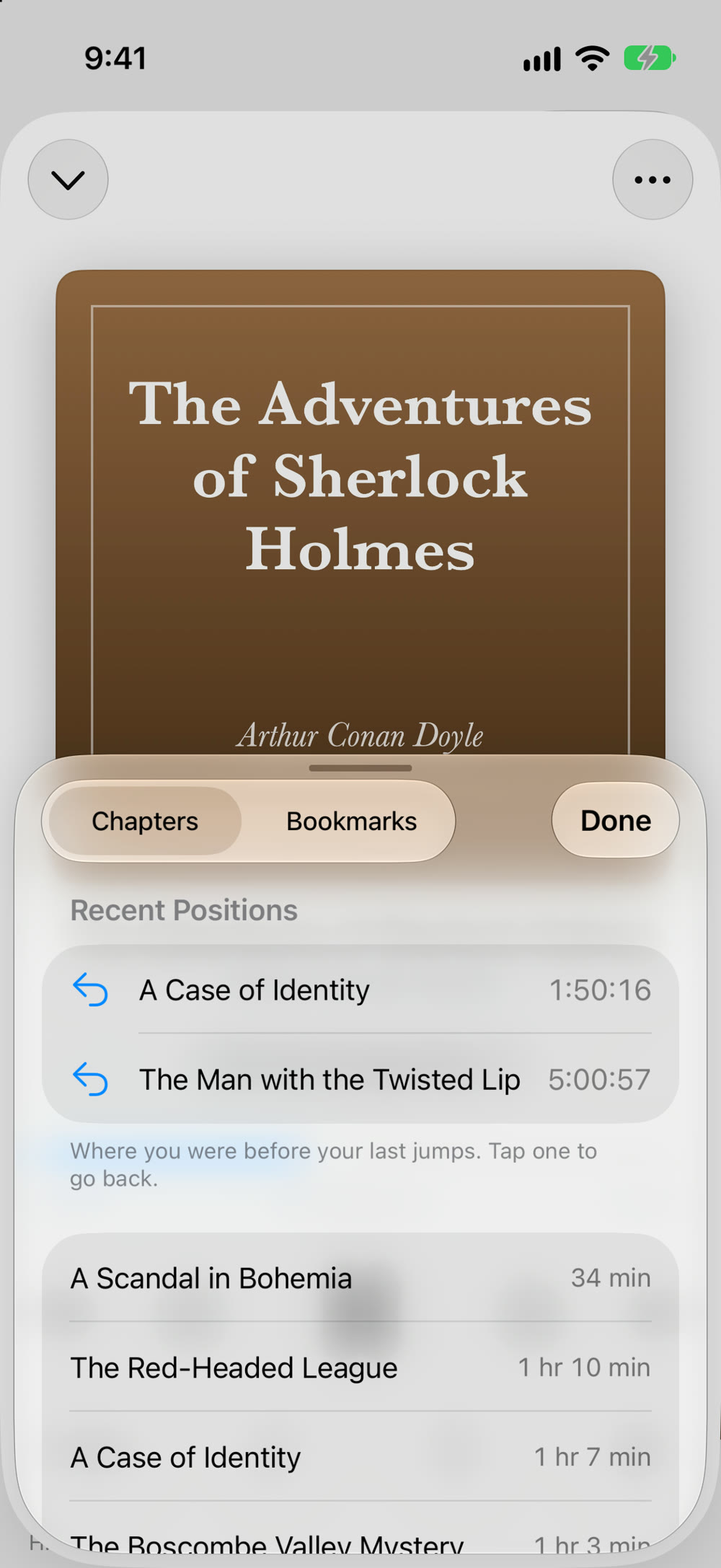
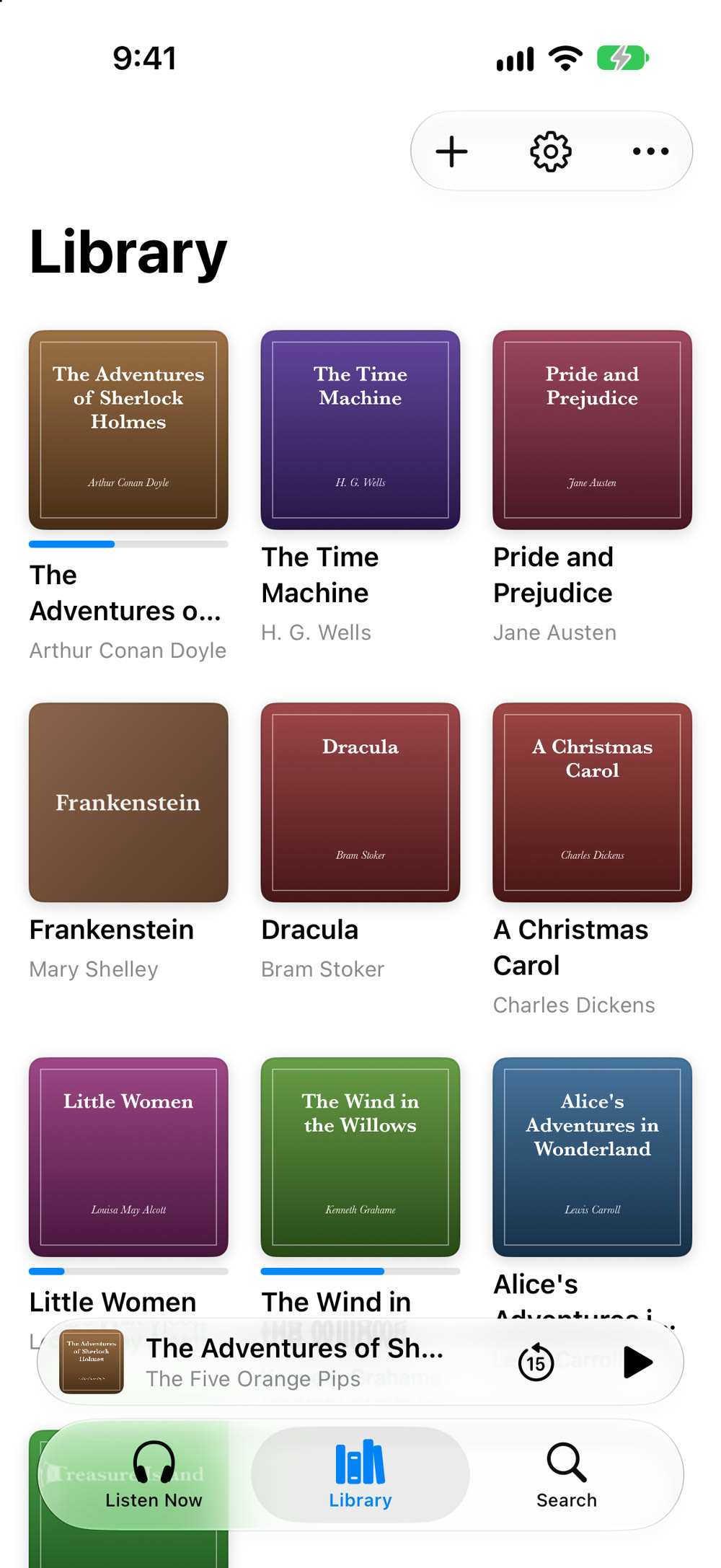
- Chapters that actually work. Storyhour reads the chapter markers inside M4B, M4A and MP3 files, and turns a folder of MP3 parts into one book with each file as a chapter.
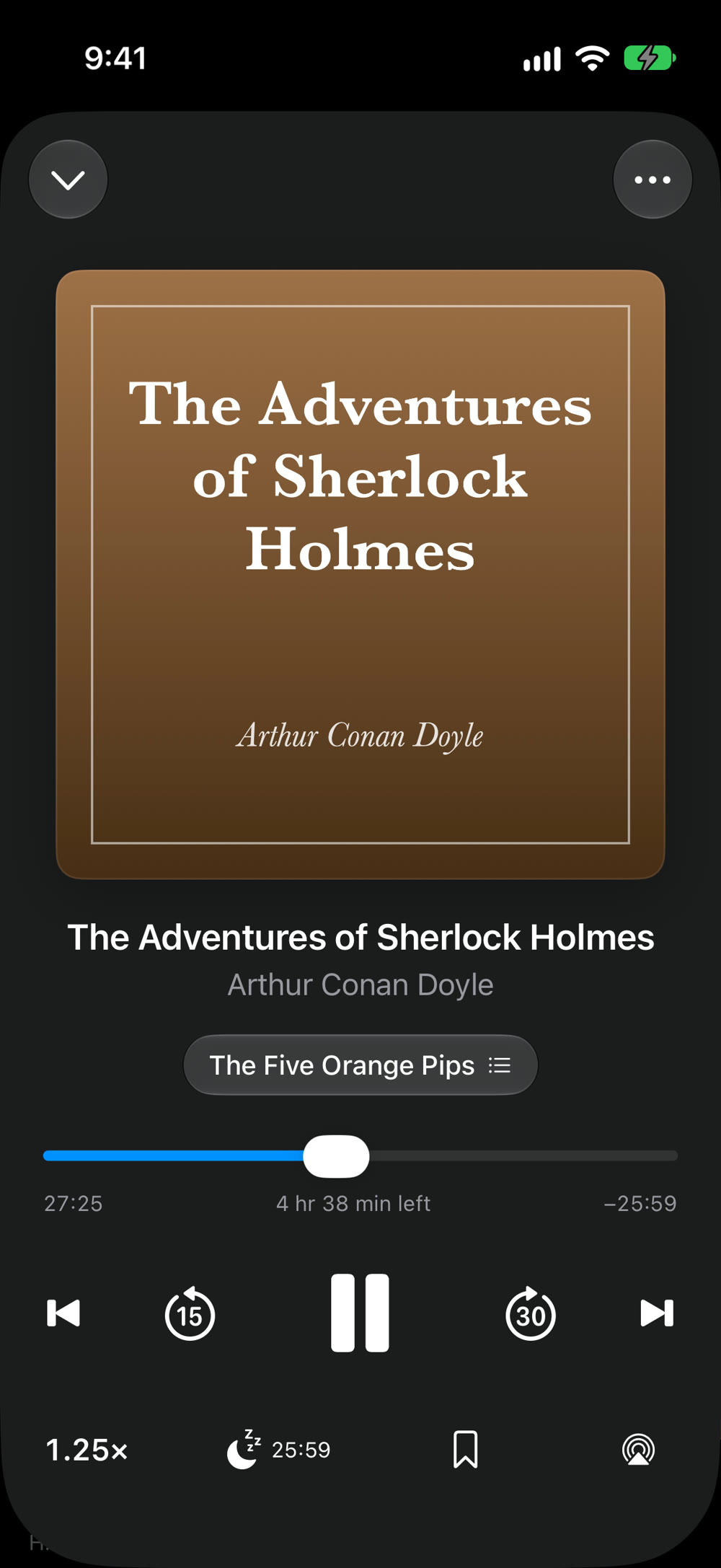
- You never lose your place. Each book remembers where you stopped, and iCloud keeps it for your next iPhone. The scrubber moves within the current chapter, so a slip of the finger can't throw you hours off, and Recent Positions takes you back after any jump.
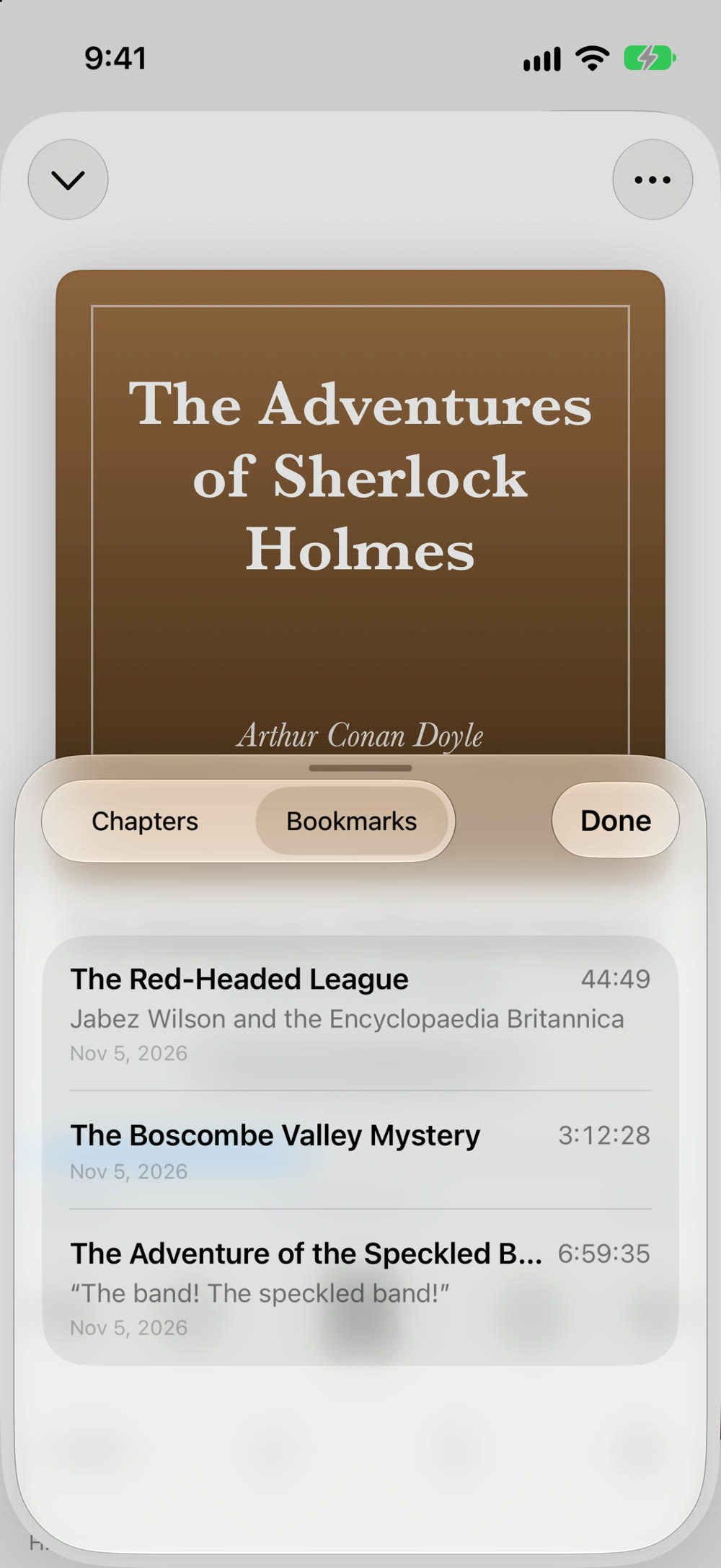
- Bookmarks you can count on. Tap once to mark a moment, or add a note. Bookmarks are in your iPhone's backup, and Storyhour also saves a copy to the Files app every week.
- Your books stay where they are. Choose a folder in iCloud Drive or on your iPhone, and Storyhour plays the books from there. No converting, no copying. Prefer a copy? Import files, or drag them in with Finder on a Mac.
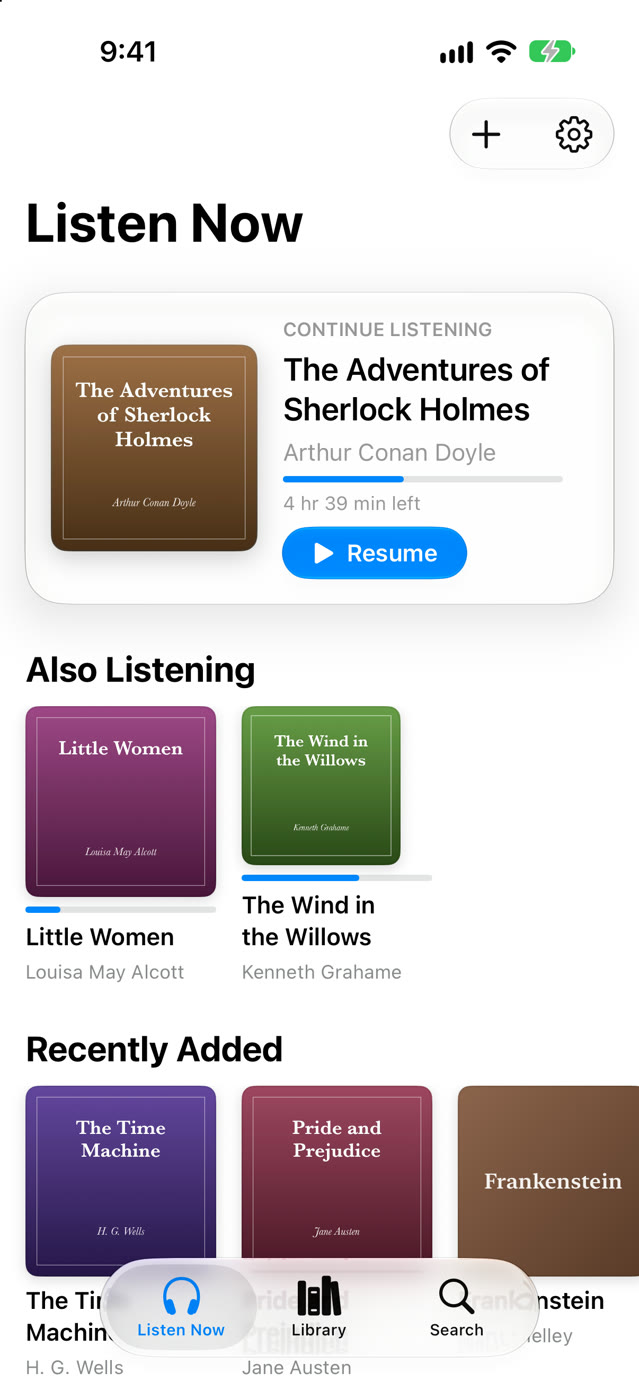
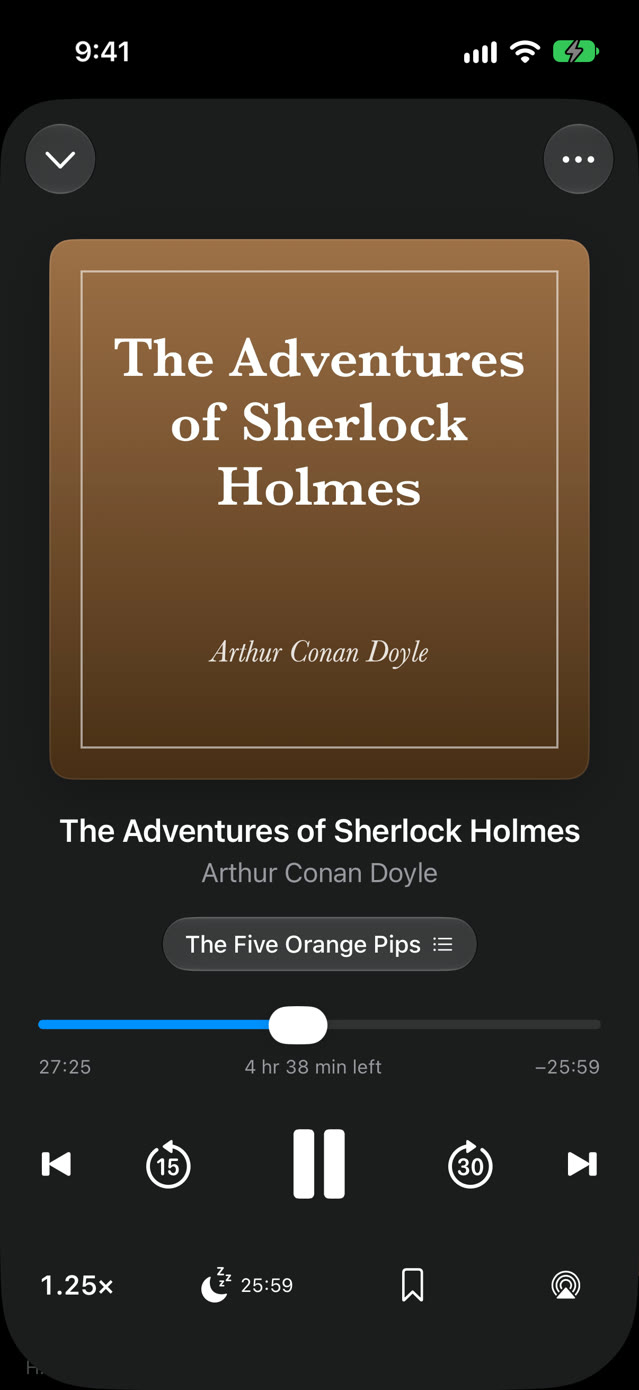
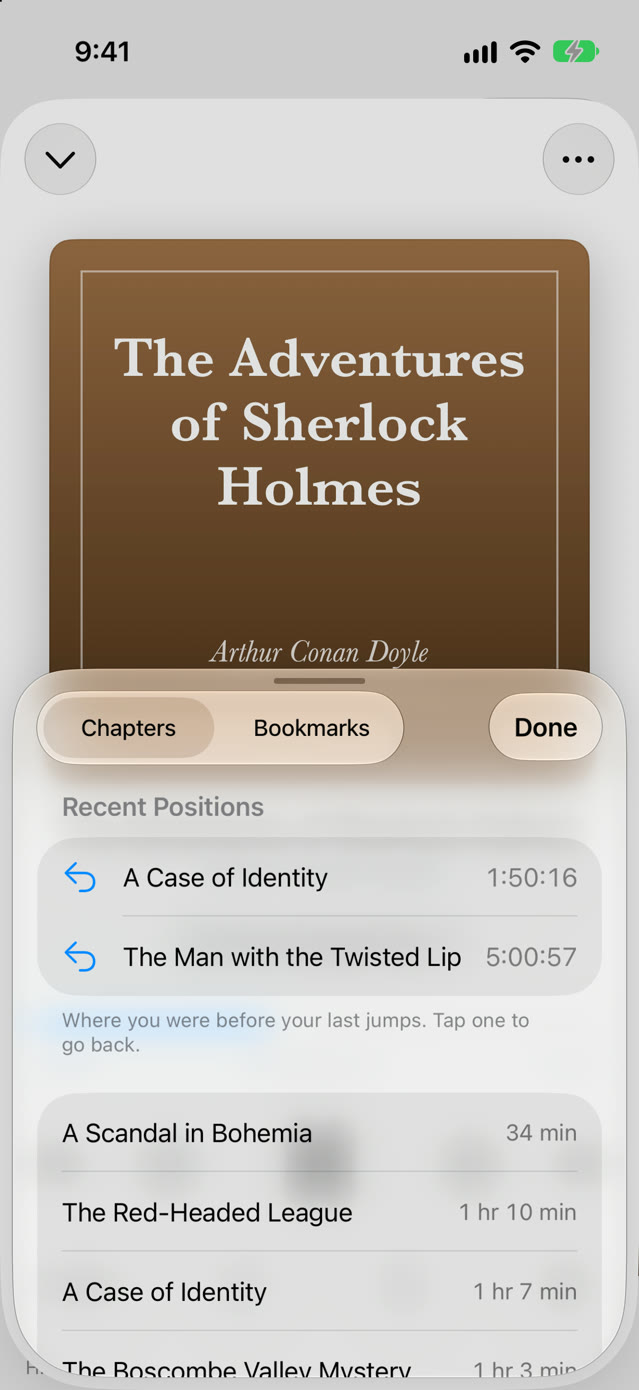
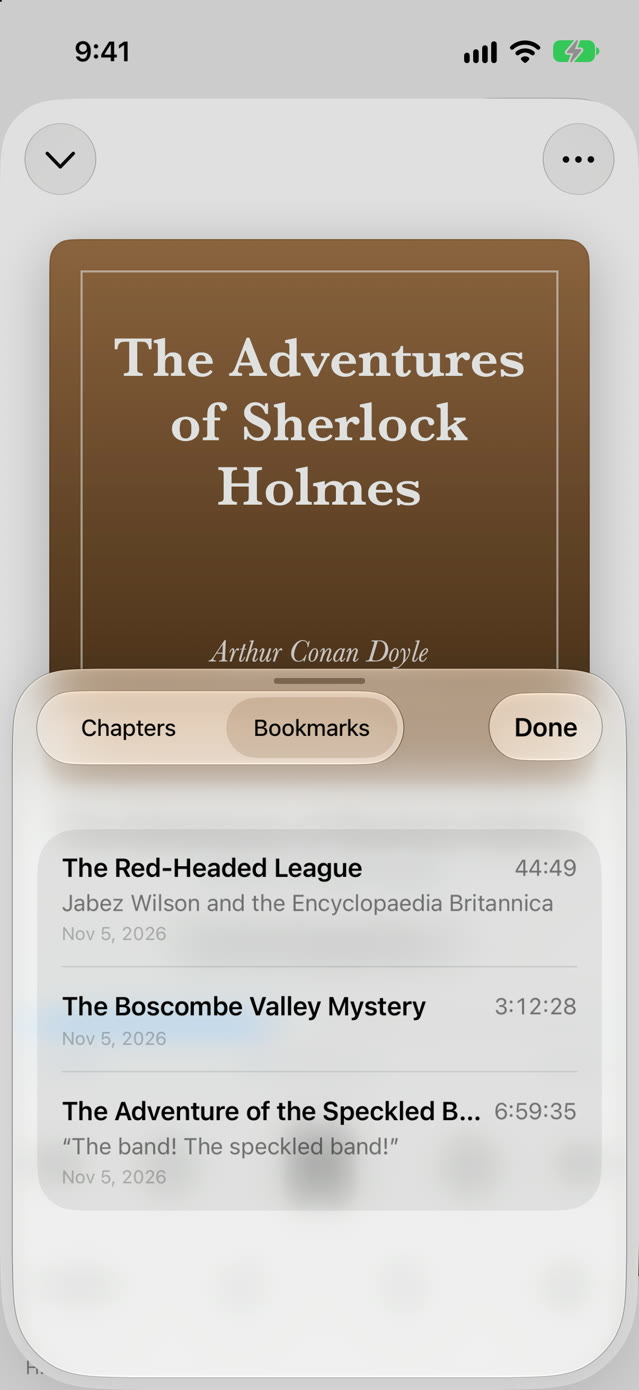
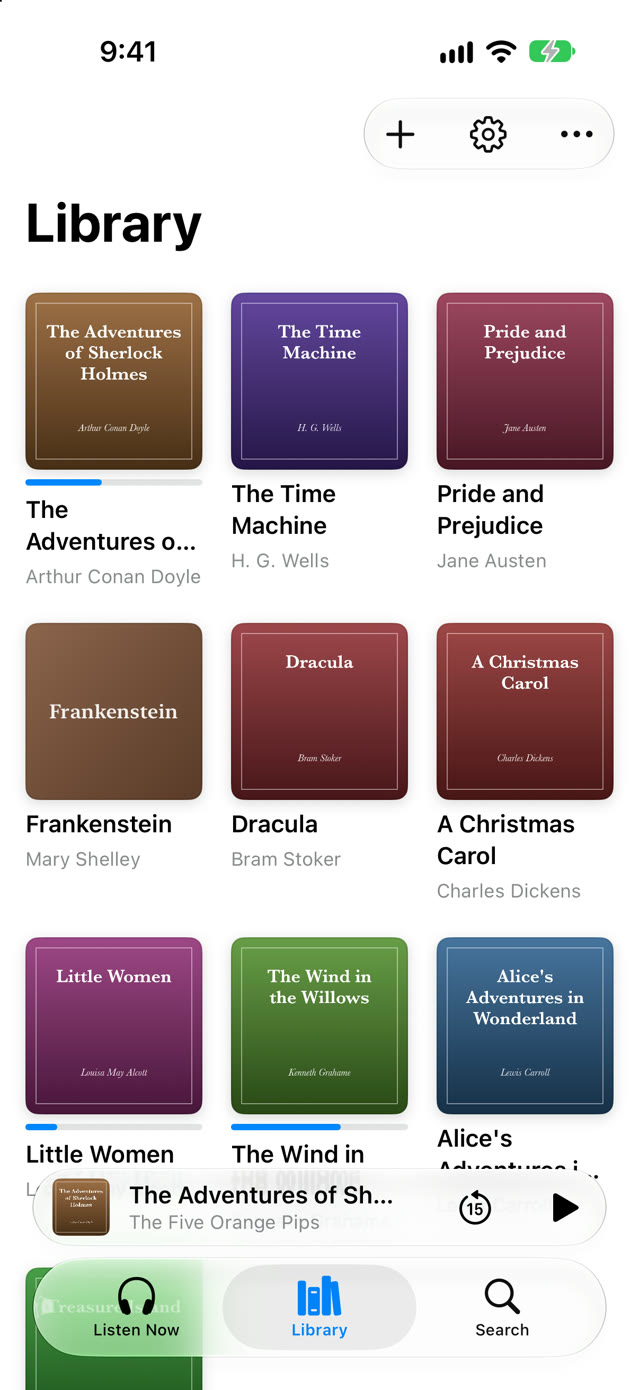
Screenshots taken on iOS 27, with public-domain classics.
Made for listening
- Speed per book. 0.5× to 3×, tuned for voices so narrators sound natural, and remembered for each book.
- Smart Rewind. After a pause, Storyhour replays a few seconds to help you pick up the thread, more after a longer break.
- Sleep timer. Stop after 5 to 90 minutes, or at the end of the chapter, with a gentle fade. Add 5 more minutes with one tap.
- Skips your way. Back and forward 10, 15, 30, 45 or 60 seconds, from the app, the Lock Screen or your headphones.
- CarPlay. Continue your book, choose another from your library, jump to a chapter, and change the speed on the car's screen, with your skip buttons.
- Pauses for Siri. Siri and directions pause the book instead of talking over it, then it carries on.
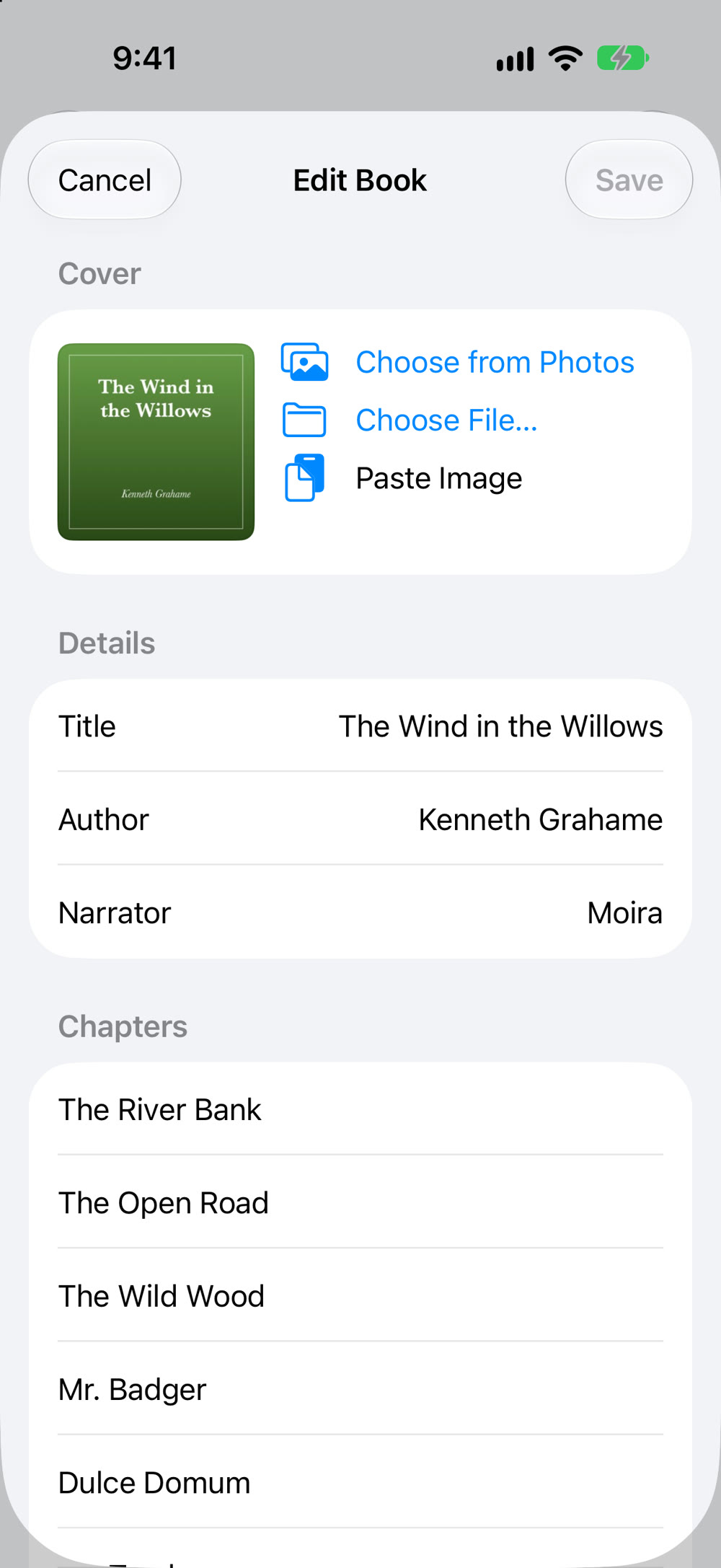
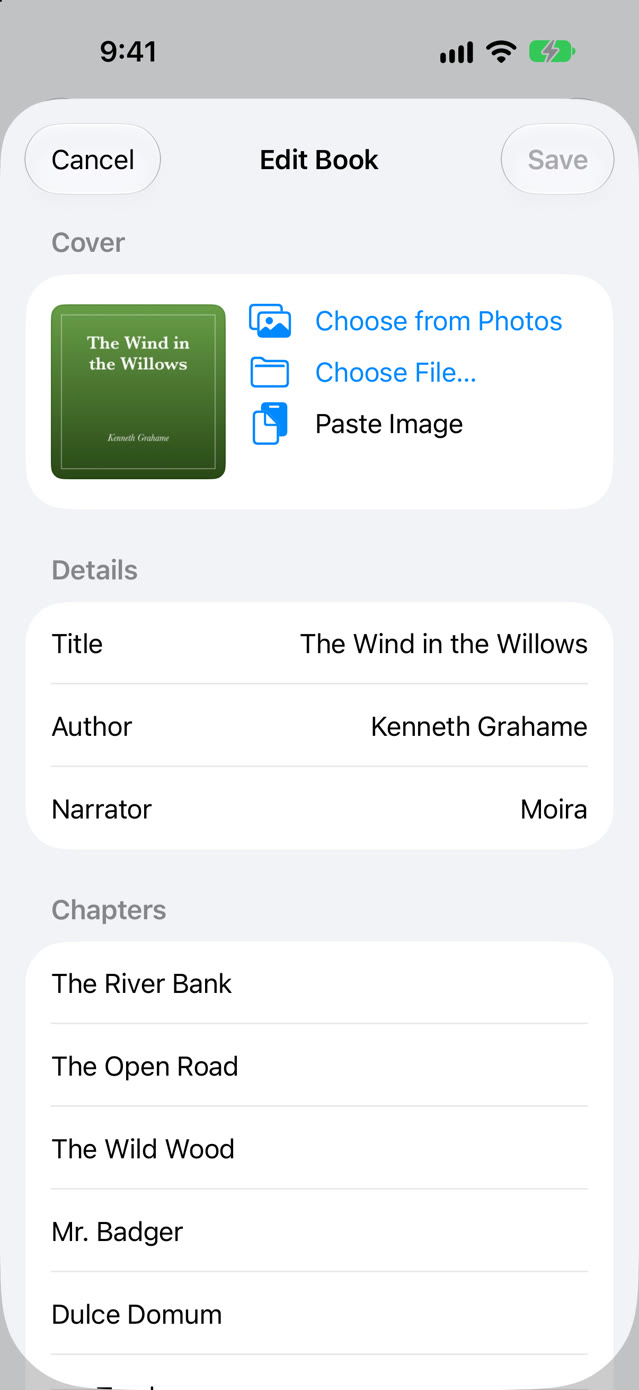
- Fix what the files got wrong. Edit the title, author, narrator, cover and chapter names. Your files are never changed.
- Dark mode. Follows your iPhone's light or dark appearance.
Setup
- Open Storyhour and tap Add Folder. Choose the folder that holds your audiobooks, in iCloud Drive, On My iPhone, or another location in the Files app. Subfolders are included.
- Or tap Import Files to copy books into Storyhour. You can also drag files onto Storyhour in Finder on a Mac when your iPhone is connected.
- One M4B file is one book. A folder of MP3 files is one book, played in order.
Good to know
- Storyhour plays audiobook files you have: M4B, M4A, AAC, MP3, FLAC, WAV and AIFF. It doesn't sell or stream books.
- It can't play copy-protected books from Audible or Apple Books.
- iPhone only for now.
Pricing
Free for any 3 books, with every feature. Storyhour Unlimited is $4.99, once, and Family Sharing is included. No subscription, no ads.
Support
- A book split into several, or several merged into one? Storyhour groups files by their album tag, then by folder. Put each book's files in its own folder.
- Wrong title or missing cover? Touch and hold the book, then choose Edit Book.
- Book in iCloud won't start? It downloads first. Check your connection, or choose Keep on This iPhone before you travel.
Anything else: support@voussoirsoftware.com, or Settings → Email Support in the app.