 iPhone · iOS 17 or later
Numbers from any country
Coming to the App Store
iPhone · iOS 17 or later
Numbers from any country
Coming to the App Store
SMS Range Filter
Spam from (555) 123-1234, then (555) 123-5678, then (555) 123-9012? Filter the whole range in one step.
- Free
- 3 ranges, 3 keywords
- Unlimited
- $2.99 once
- Data collected
- None
How it works
- Filter a range. Enter one number, then filter all of (555) 123-XXXX.
- Filter a country. Send every text from one country to Spam, or from every country but yours.
- Filter keywords. Catch "chip in" or "donate" from any number.
- No notifications. Matching texts go straight to Spam.
- Private. Everything runs on your iPhone. Nothing is sent to us.
- Dual SIM and eSIM. Filters texts on every line, reading each one the way its own country writes numbers.
- Dark mode. Follows your iPhone's light or dark appearance.
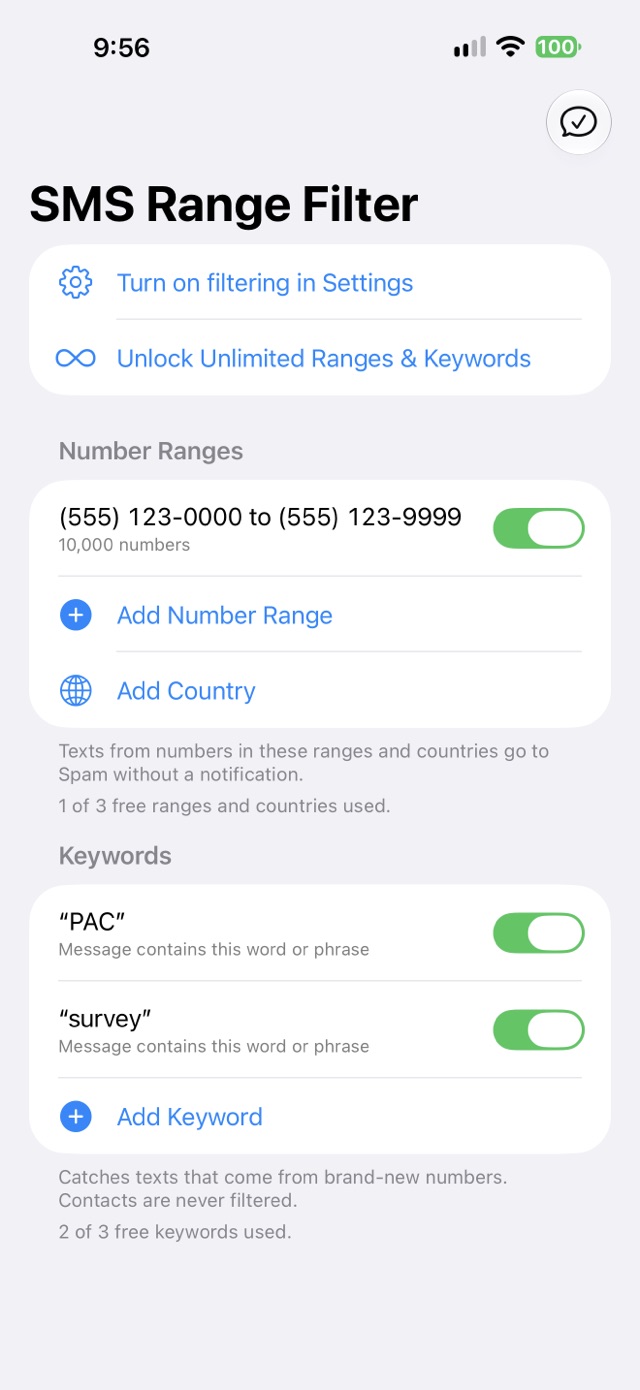
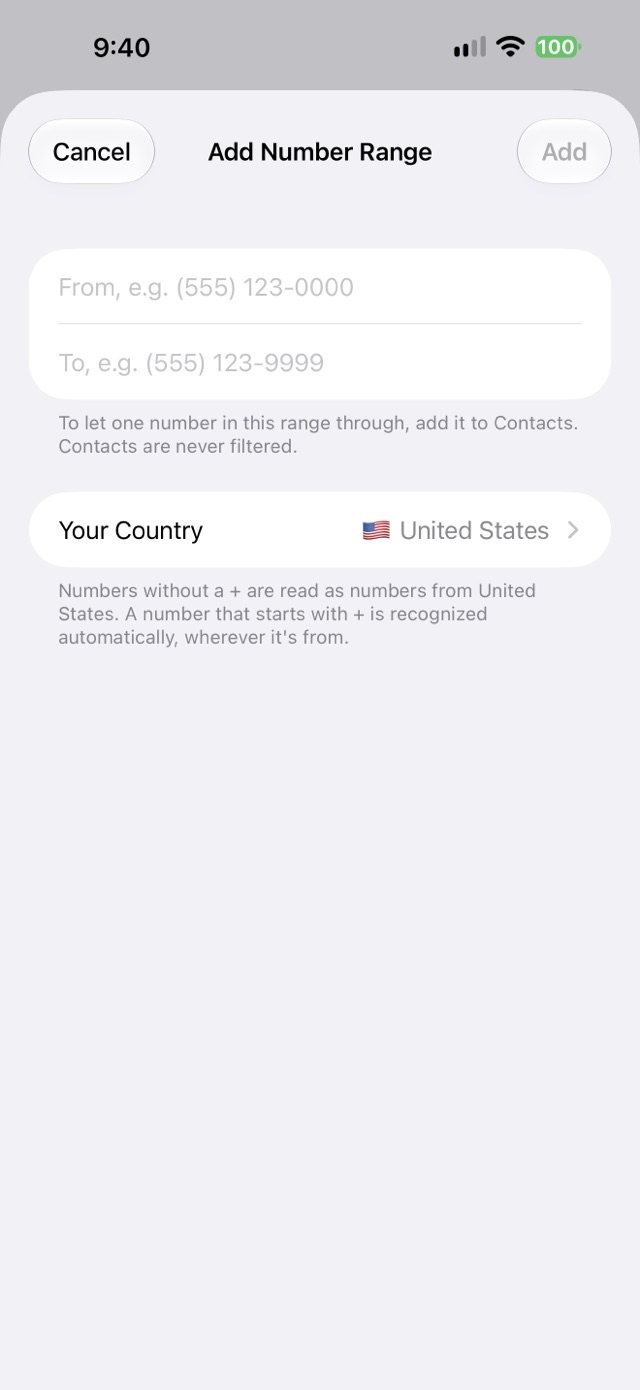
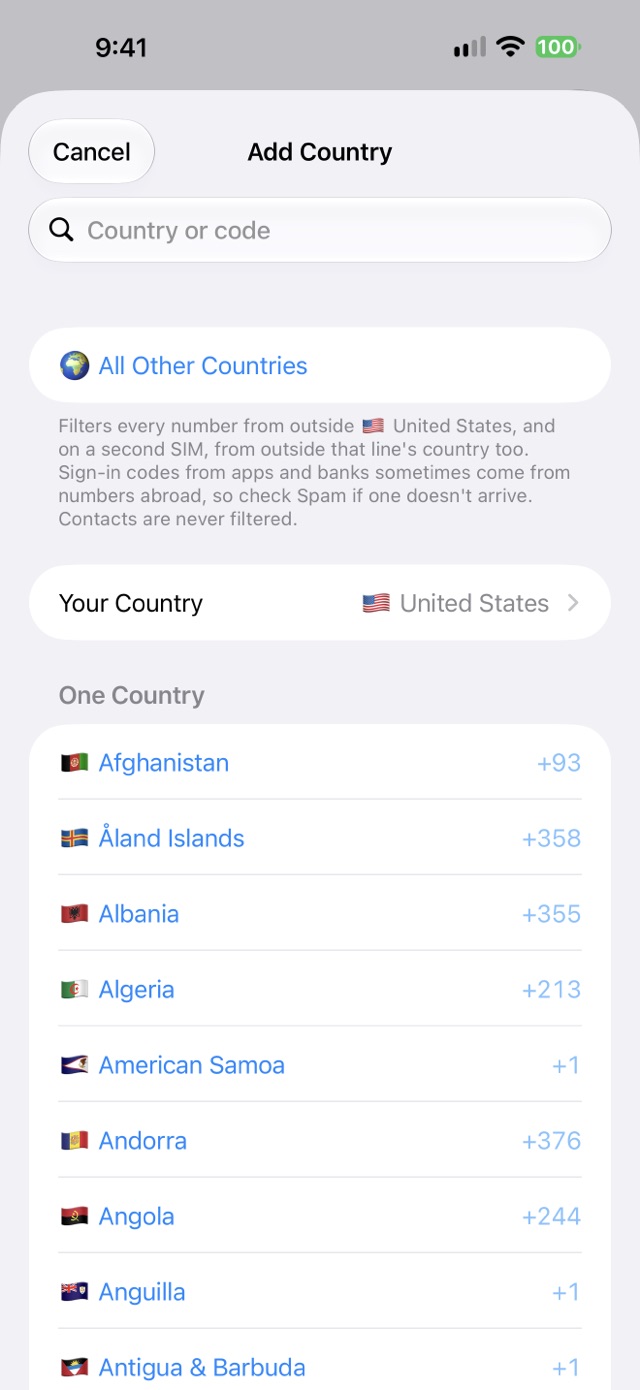
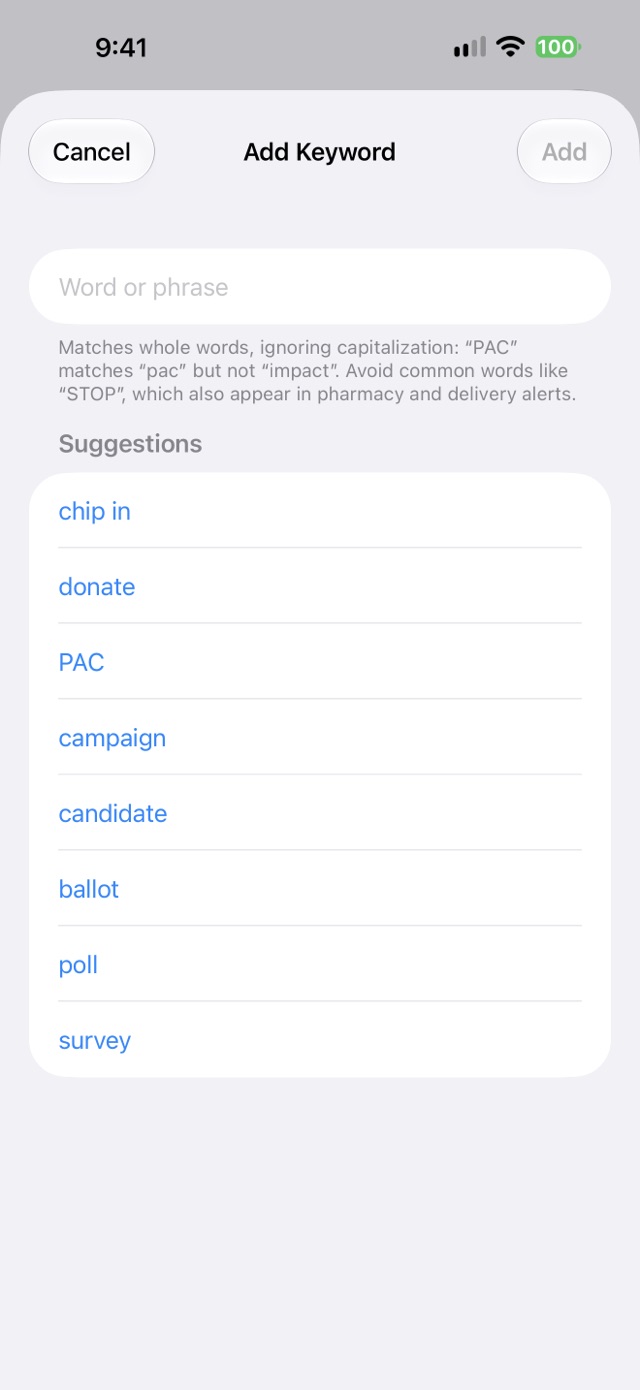
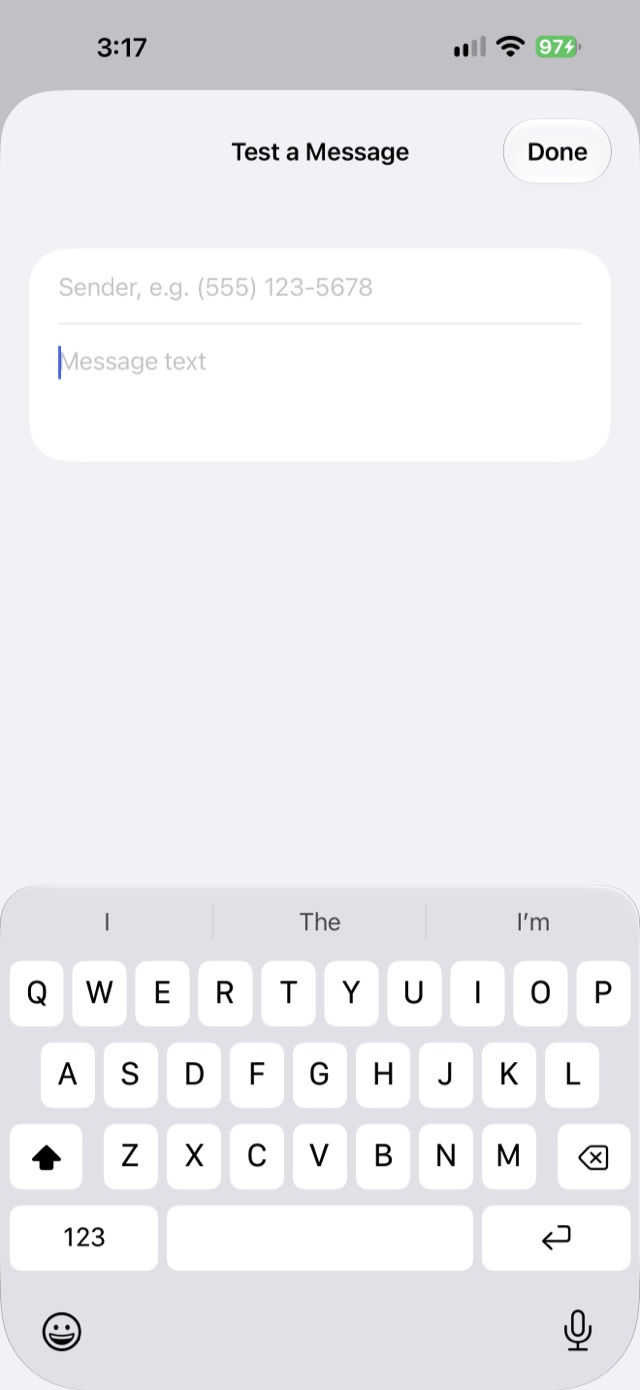
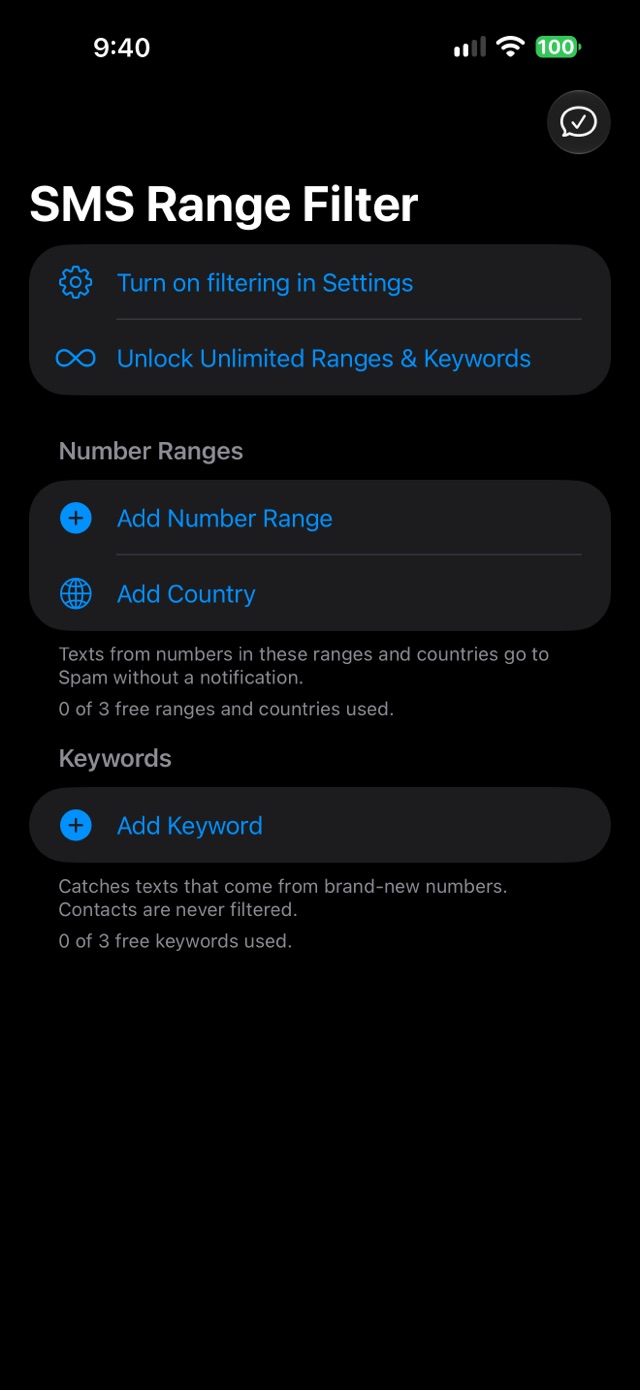
Screenshots taken on iOS 27.
Good to know
- Filtered texts go to the Spam list in Messages, called Junk on iOS 17 and 18. iOS doesn't let apps delete or block texts.
- Works on SMS and MMS. iOS doesn't let filters see iMessages.
- Texts from your Contacts are never filtered.
- Number ranges work with phone numbers from any country. Paste one that starts with + and the app recognizes the country. Keywords work on any text.
- iPhone only.
Setup
- Open Settings → Apps → Messages → Unknown Senders.
- Tap Text Message Filter and choose SMS Range Filter.
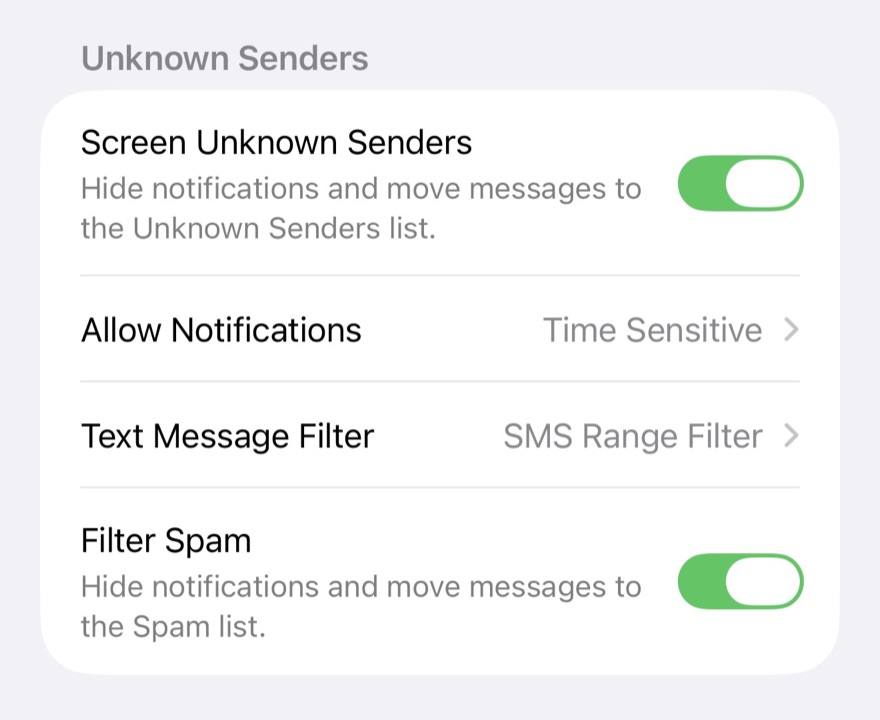
Don't see it? Turn on Screen Unknown Senders first. On iOS 17 and 18, it's Unknown & Spam → SMS Filtering.
Pricing
Free for 3 number ranges or countries, and 3 keywords. Unlimited ranges and keywords are $2.99, once. No subscription. Family Sharing included.
Support
- Nothing is filtered? Check Setup, then restart your iPhone.
- A text you wanted went to Spam? Use Test a Message in the app to see which rule caught it.
- Unlock missing on a new iPhone? Tap Restore Purchases on the unlock screen.
Anything else: support@voussoirsoftware.com