 iPhone and iPad · iOS 26 or later
EPUB, PDF and comics
Bookloft
An ebook reader for the books you own: EPUBs, PDFs and comics, shown the way they were designed, with highlights and notes you won't lose. One price, and every feature is included.

- Free
- 10 books
- Unlimited
- $4.99 once
- Data collected
- None
Why Bookloft
- One price, every feature. Read any 10 books with everything included: every format, every font and theme, highlights, notes and search. Then unlock your whole library once, for your whole family. No ads, no subscription, no account.
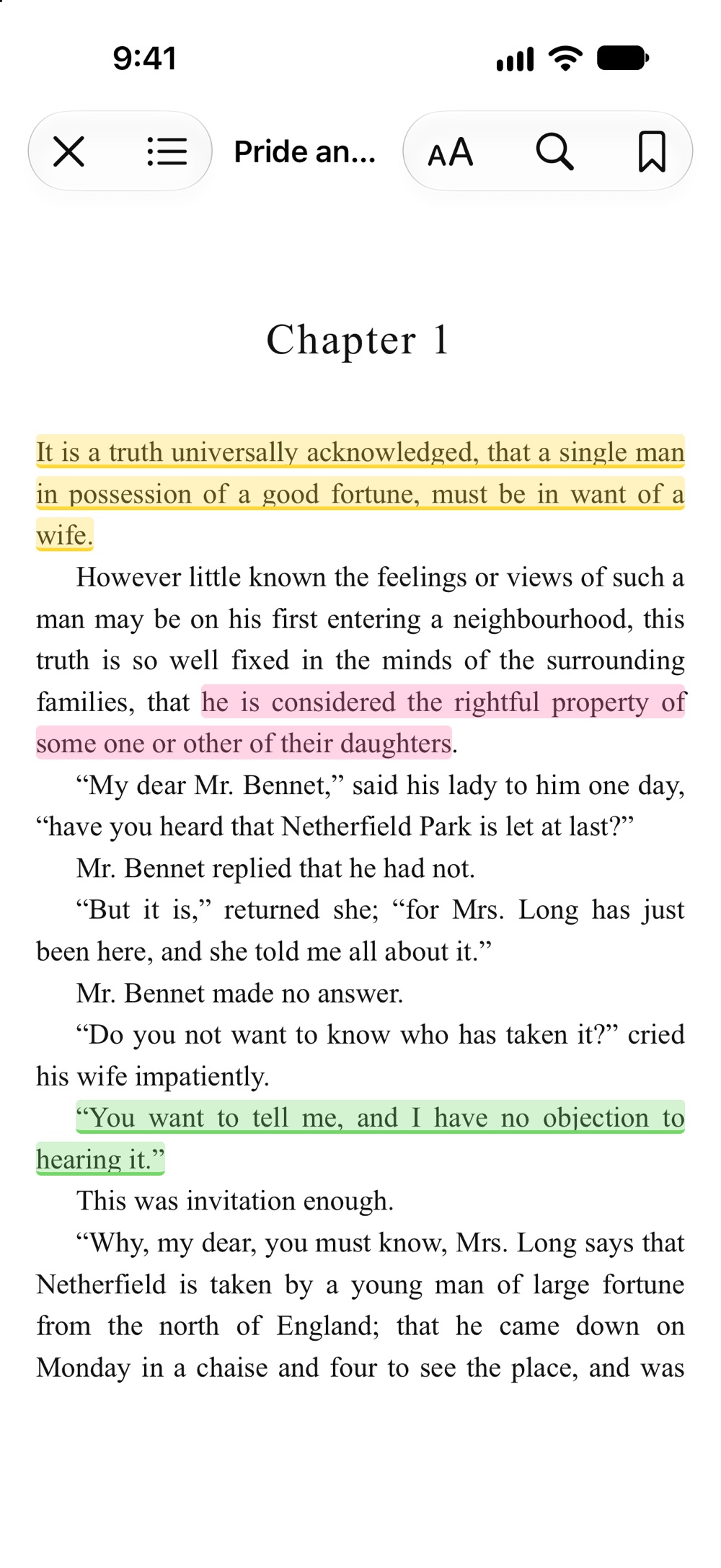
- Books look the way they were designed. Bookloft keeps the publisher's layout, drop caps and footnotes by default, and puts your theme, font and size on top. Prefer your own style? Turn off the original design and set line spacing, alignment and hyphenation yourself.
- Bigger text means bigger letters. Text size scales the type itself, not just the space between lines.
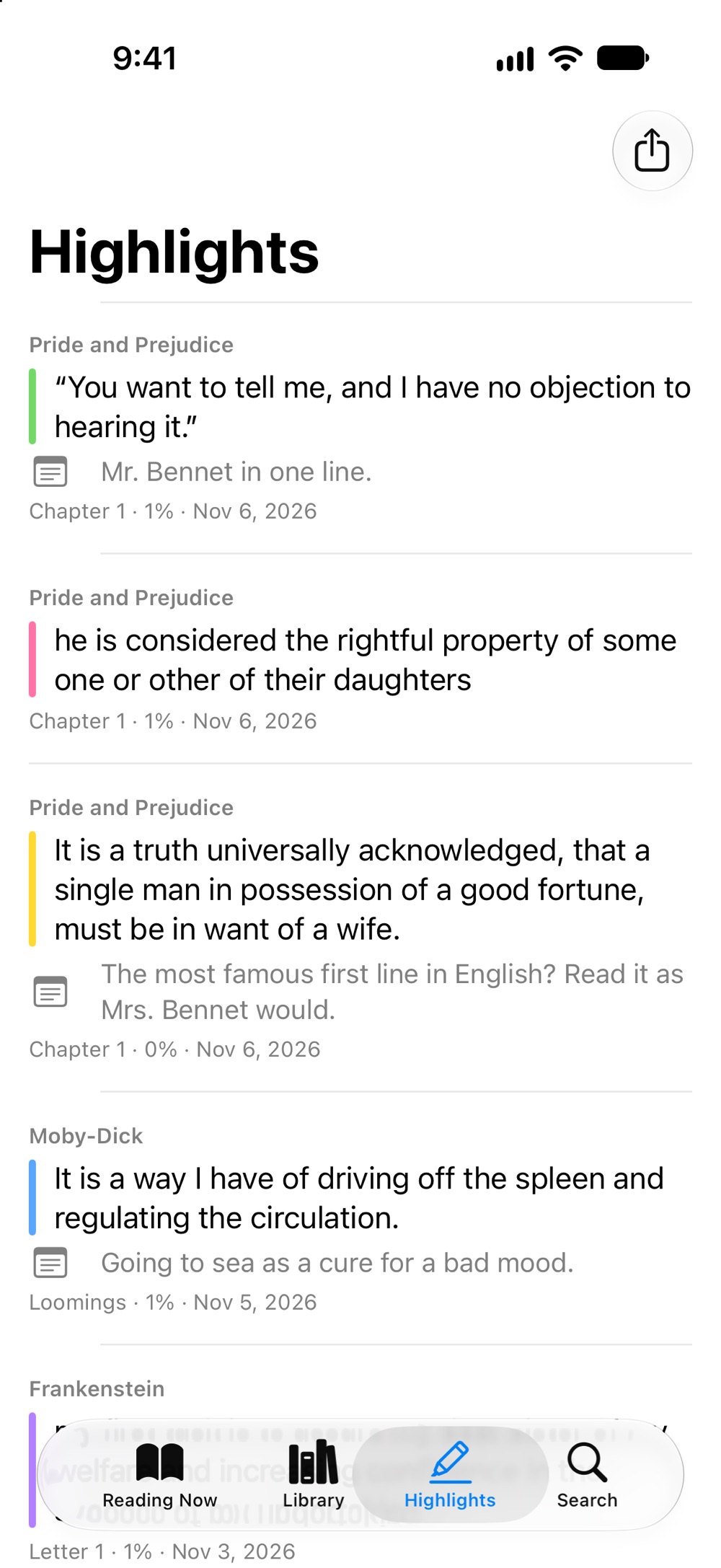
- Your notes are safe. Highlight in five colors and add notes. Highlights are in your iPhone's backup, Bookloft saves a copy to the Files app every week, and you can export them to Markdown or JSON at any time.
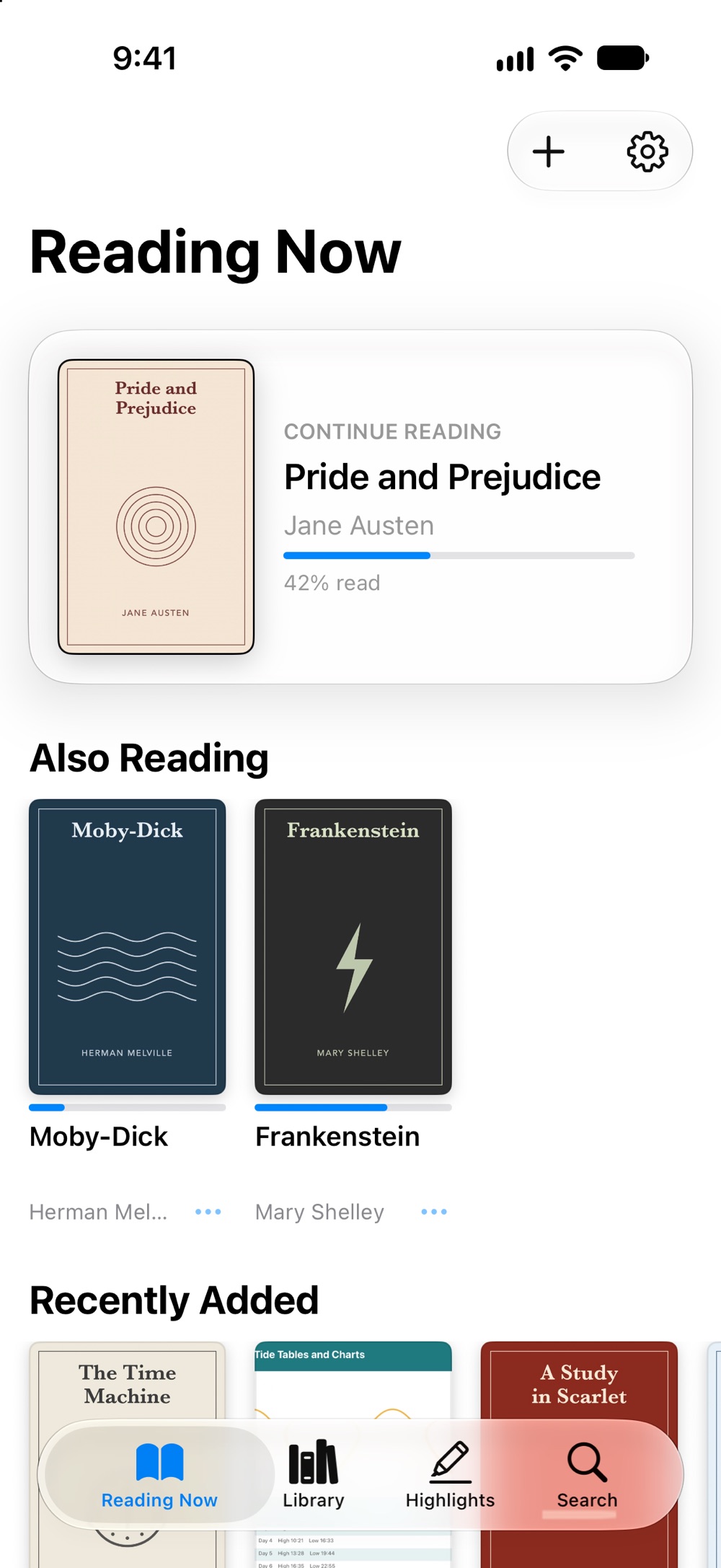
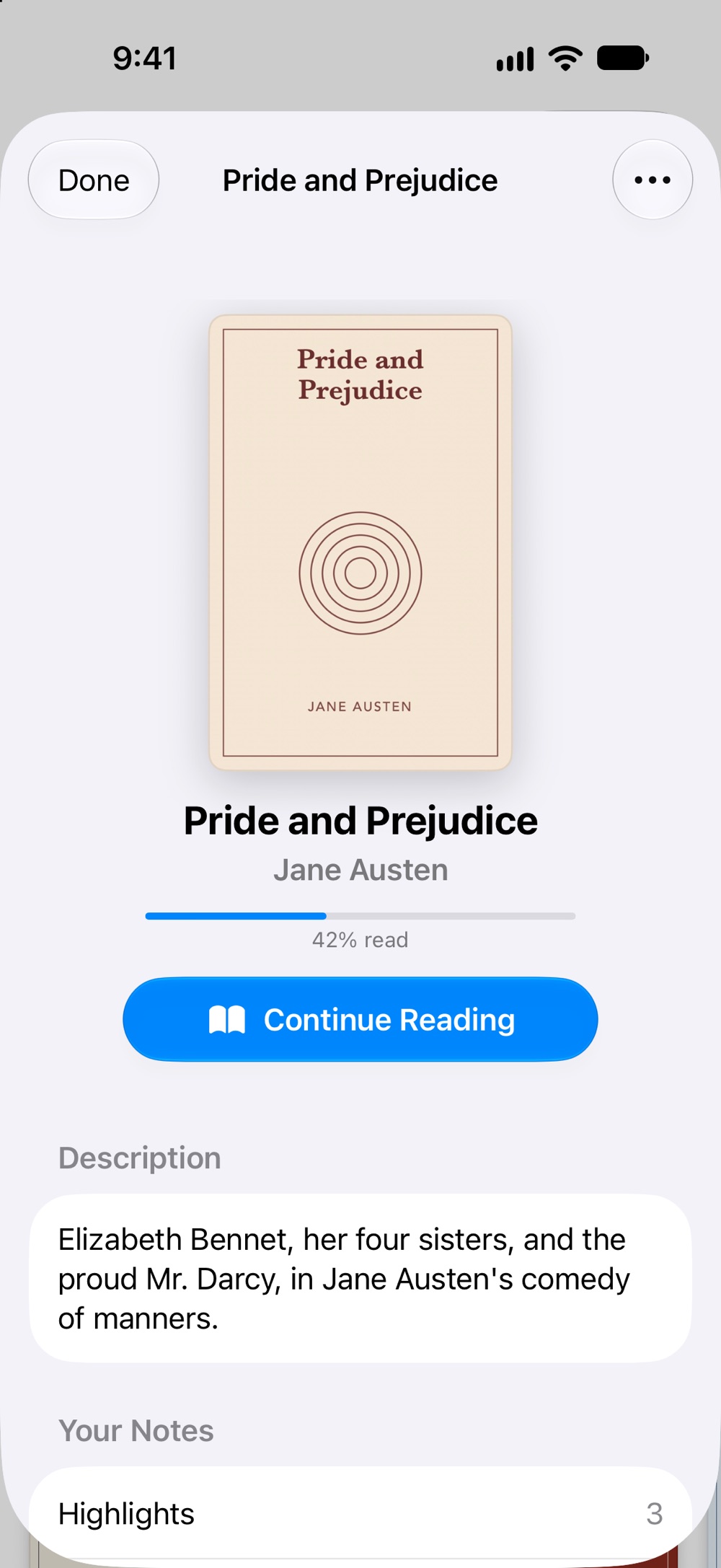
- Never lose your place. Each book opens where you stopped, and your place and reading settings follow you to your other iPhone and iPad through your own iCloud. Drag the page slider anywhere; “Back to page 20” takes you right back.
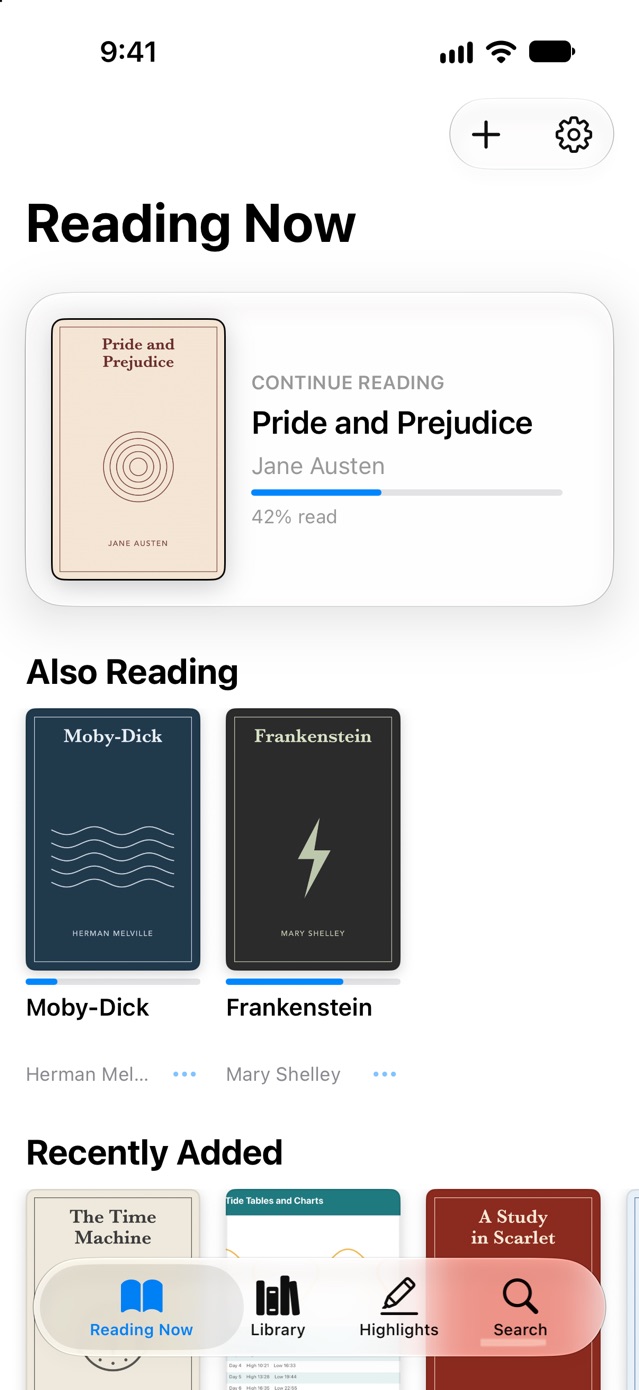
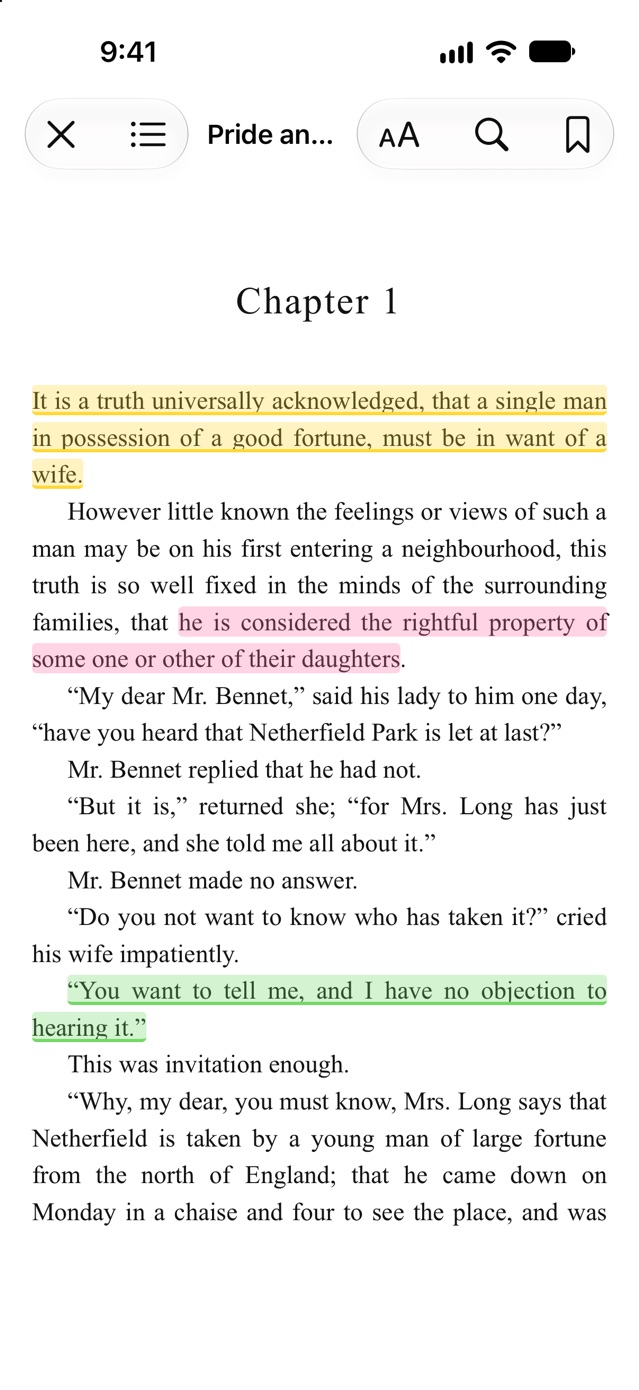
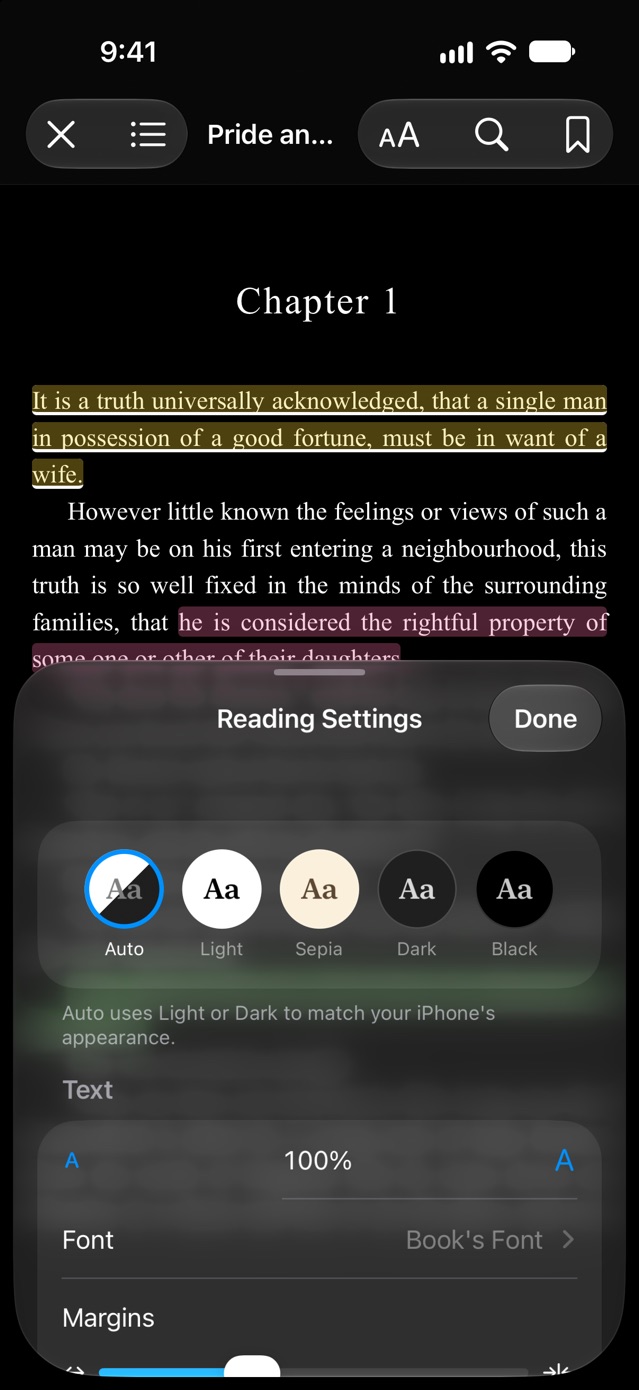
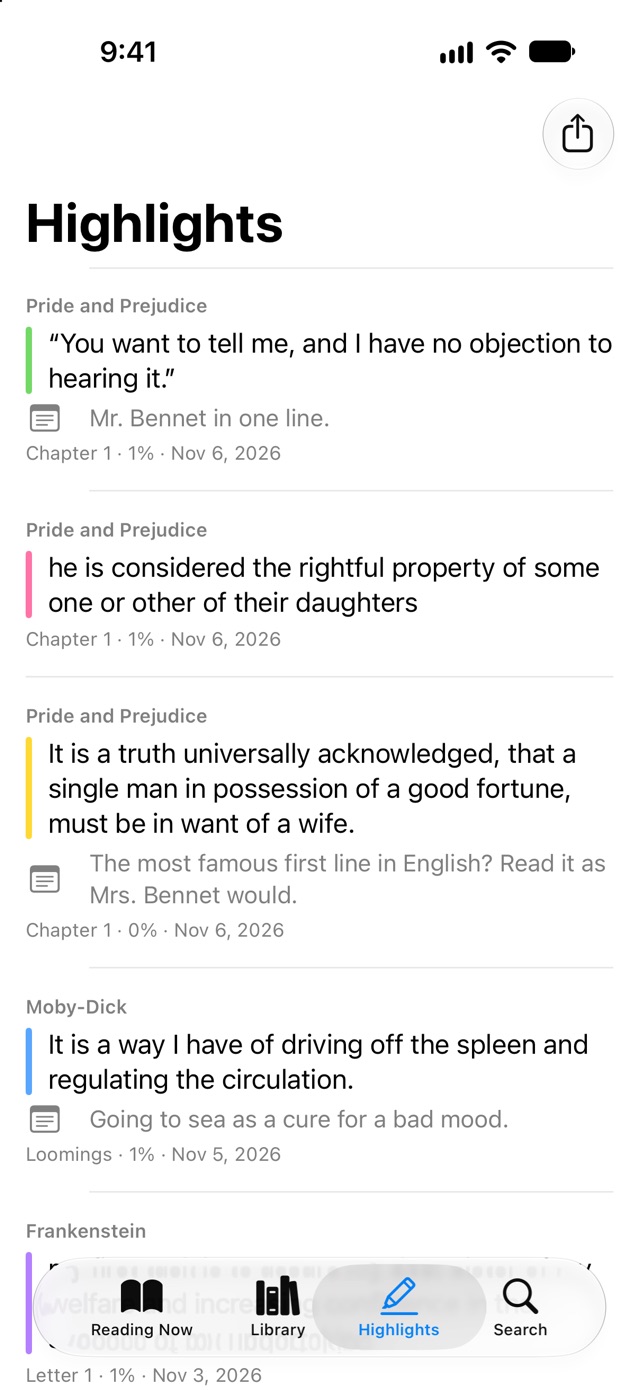
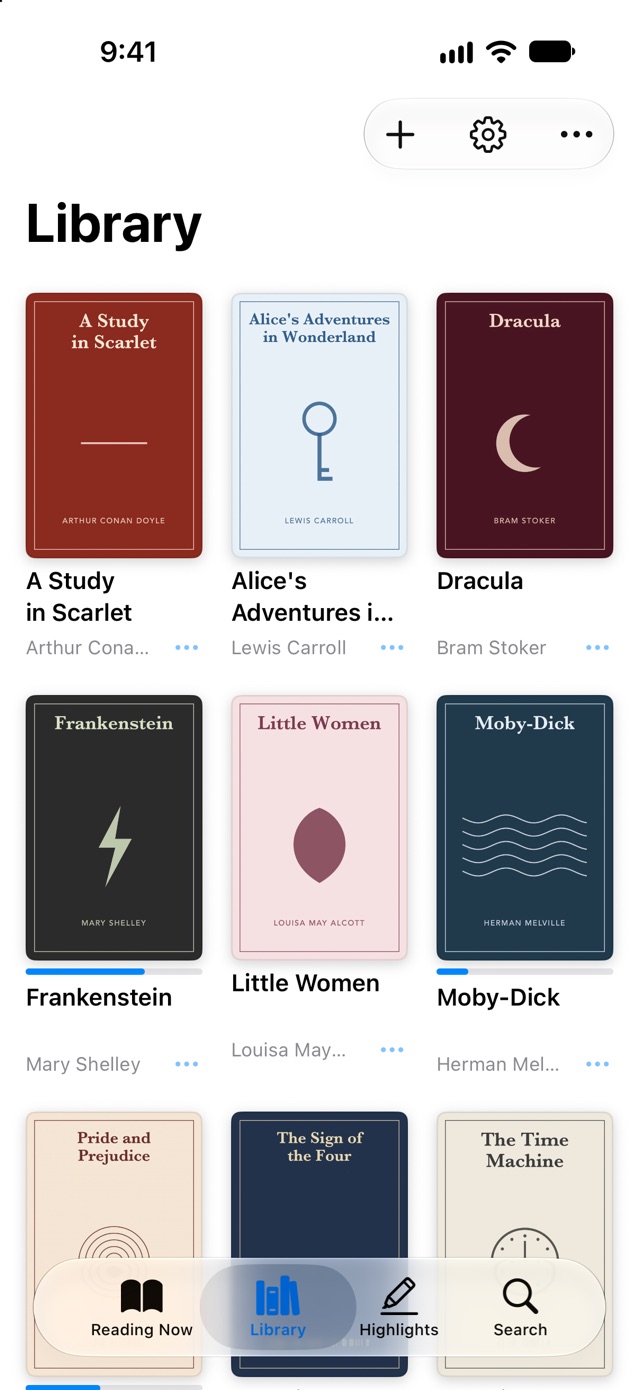
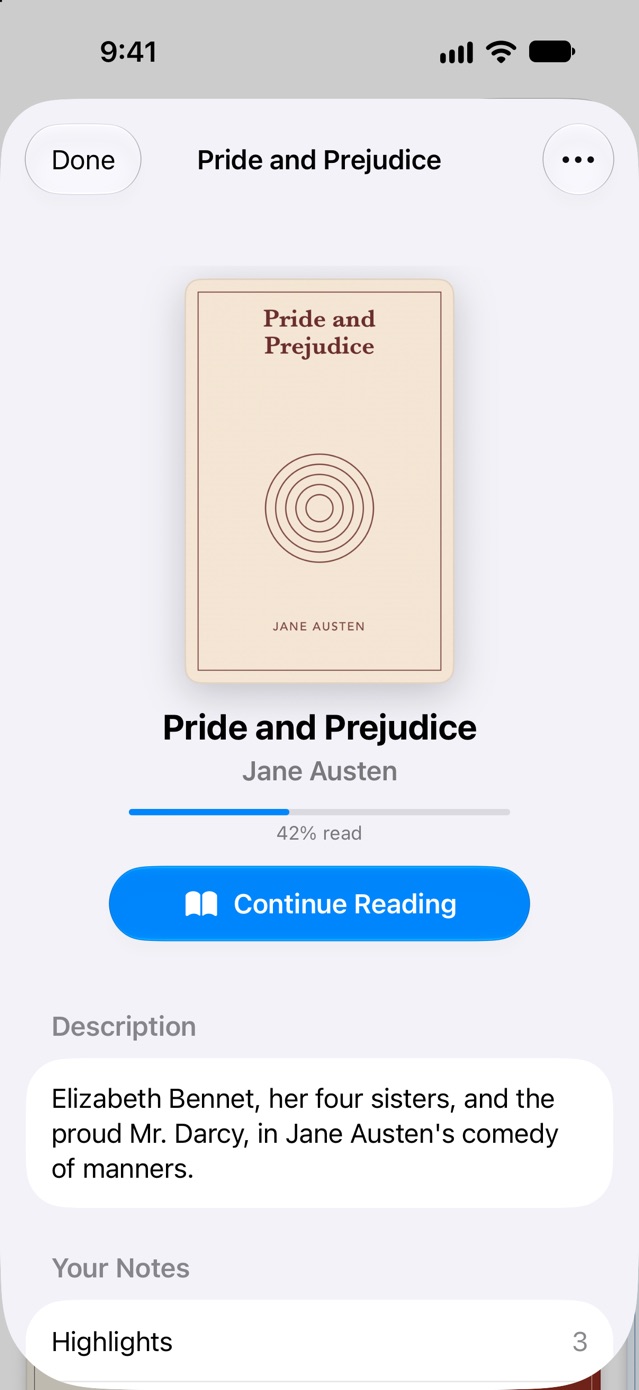
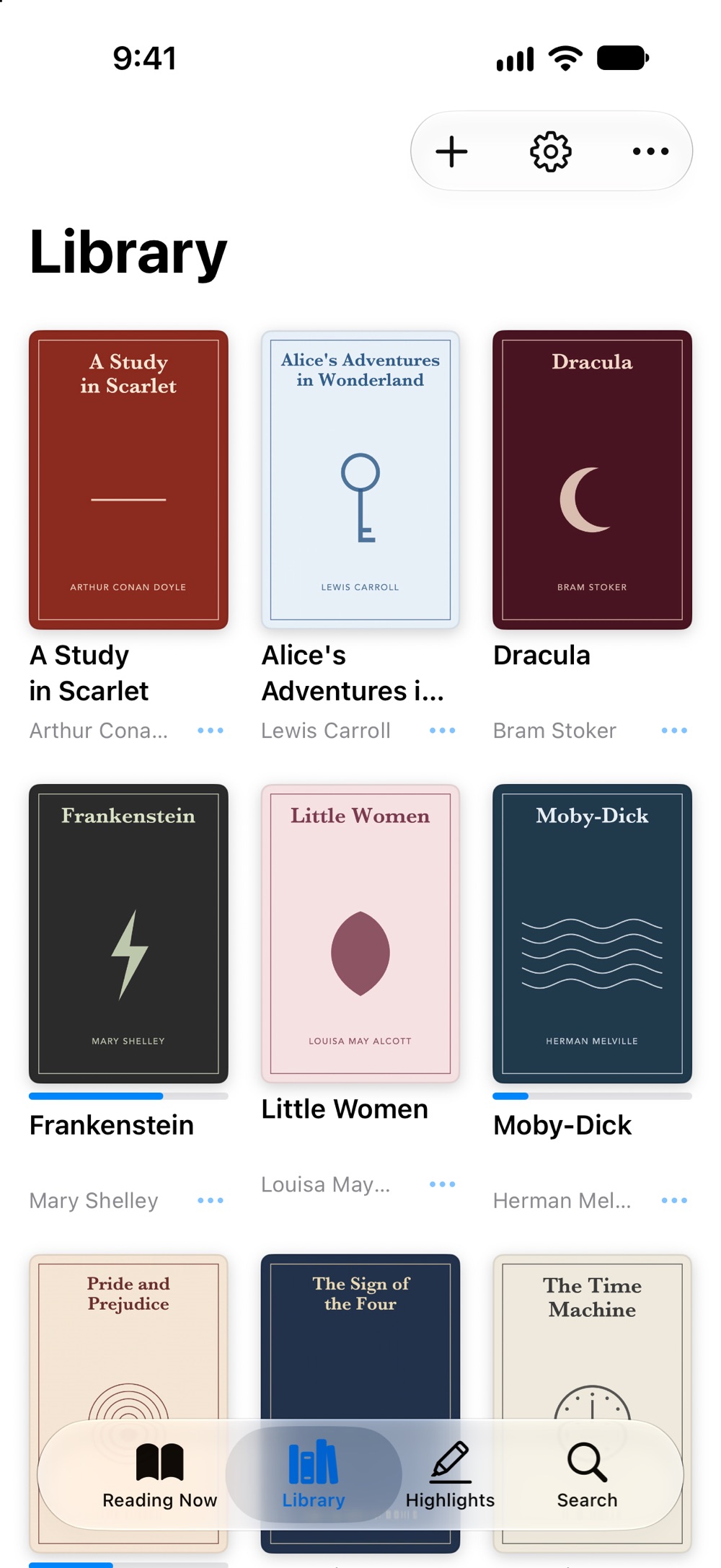
Screenshots taken on iOS 27. The books are public-domain classics; their covers were drawn for the screenshots.
Made for reading
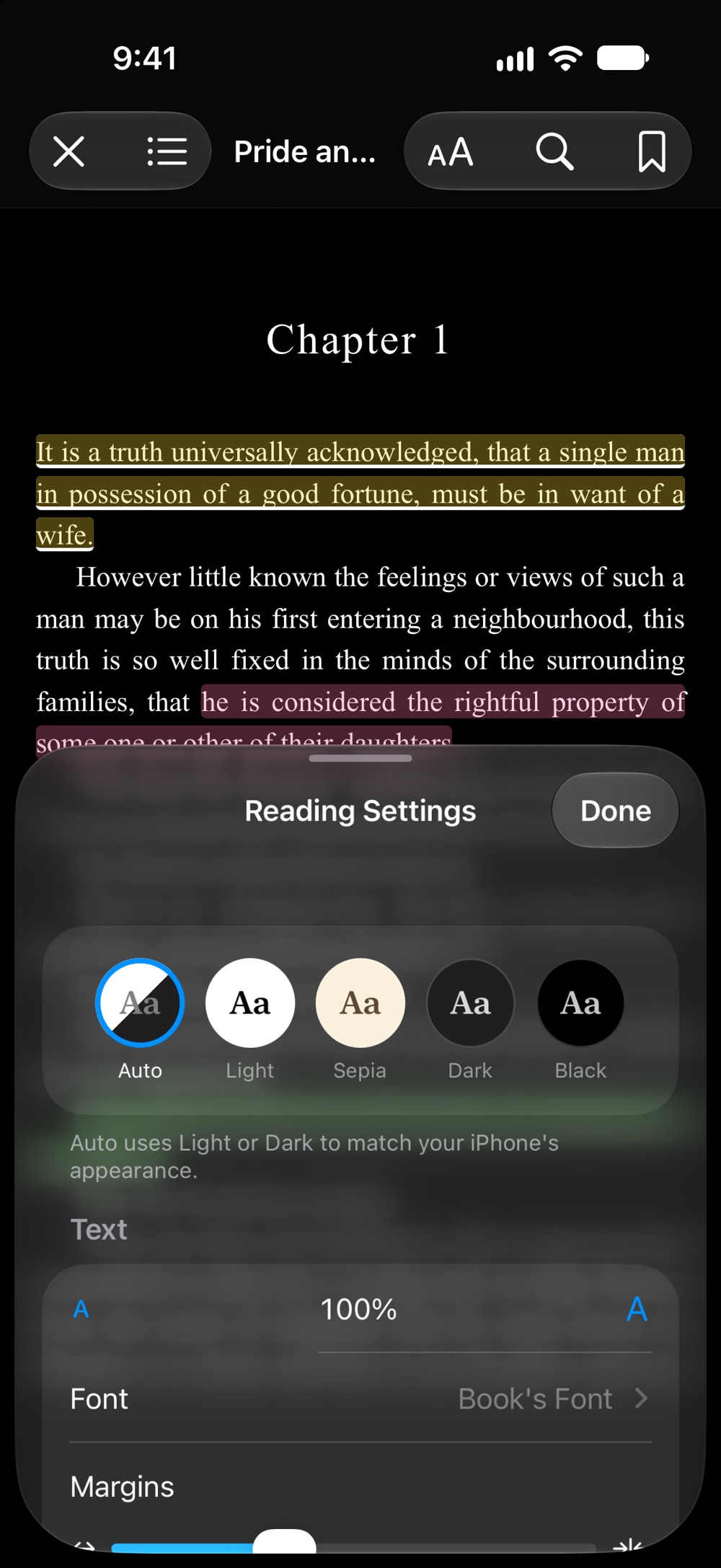
- Themes. Auto follows your iPhone's light or dark appearance. Or choose Light, Sepia, Dark, or Black for OLED screens.
- Fonts. The book's own, Charter, Georgia, Iowan Old Style, Palatino, San Francisco and OpenDyslexic.
- Turn pages your way. Swipe, tap the edges, or scroll instead.
- Search in the book. In EPUBs and PDFs, with each match in context.
- On iPad. Two pages side by side when you hold it sideways, and Split View and Stage Manager.
- Fix what the files got wrong. Edit a book's title, author and series. The file itself is never changed.
- Dark mode. The whole app follows your iPhone's light or dark appearance.
Setup
- Open Bookloft and tap +, then choose books in the Files app. Bookloft keeps its own copy, so the books are there even offline.
- Or open a book from Mail, Safari or the Files app and choose Bookloft in the Share Sheet.
- From a Mac: connect your iPhone or iPad, select it in Finder, click Files, and drag books onto Bookloft.
Good to know
- Bookloft reads EPUB, PDF, CBZ comics, FB2, plain text, Markdown, web pages (HTML) and RTF. It doesn't sell books.
- It can't open books protected with DRM, such as purchases from Kindle or Apple Books. Kindle files (MOBI, AZW3) aren't supported yet; Bookloft explains how to convert them if you add one.
- Highlights and notes stay on the device where you made them (with a weekly copy in Files). Your place in each book and your reading settings sync through iCloud.
Pricing
Free for 10 books, with every feature. Bookloft Unlimited is $4.99, once, for your whole library, and Family Sharing is included. No subscription, no ads.
Support
- Wrong title or author? Tap ⋯ under the book, choose Details, then ⋯ → Edit Details.
- Pages still white in Dark mode? In a book, tap Aa and choose Auto.
- Lost highlights after moving to a new device? In Settings, tap Restore from a Backup… and choose a file from the Highlights Backup folder.
- Unlock missing on a new device? Tap Restore Purchase in Settings.
Anything else: support@voussoirsoftware.com, or Settings → Email Support in the app.