 iPhone · iOS 26 or later
FLAC, ALAC, MP3, AAC, WAV, AIFF
Tonearm
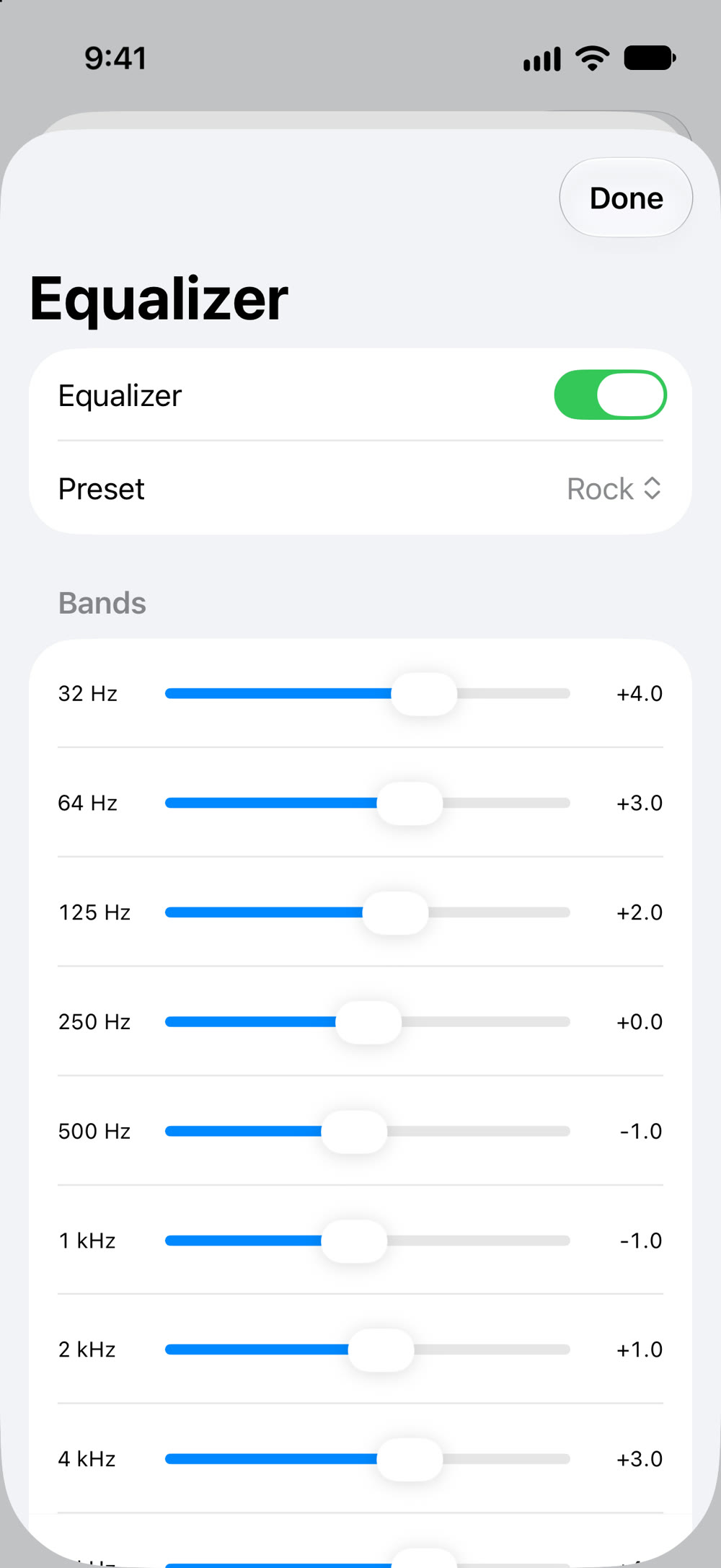
Tonearm plays the music you own the way it deserves: lossless FLAC and ALAC, gapless albums, a 10-band equalizer, and your folders exactly as you've organized them. You pay once, and every feature is included.

- Free
- 50 songs
- Unlimited
- $4.99 once
- Data collected
- None
Why Tonearm
- No subscription, ever. Your music is already yours, so Tonearm is a one-time purchase that covers your whole family. No ads, no account, no monthly fee.
- A free version that's actually free. Every feature works with up to 50 songs and 2 audiobooks, for as long as you like. No trial clock, no locked equalizer, no pop-ups.
- Built for big collections. Tested with 25,000 songs: it opens instantly, adds new music in the background, and finds any song as you type.
- CarPlay that handles big libraries. Browse by artist, album, song, genre or playlist on the car's screen. Long lists open with the letters A to Z first, so every artist is a few taps away, even with 25,000 songs. Shuffle, repeat and Up Next are there too, and audiobooks continue where you stopped.
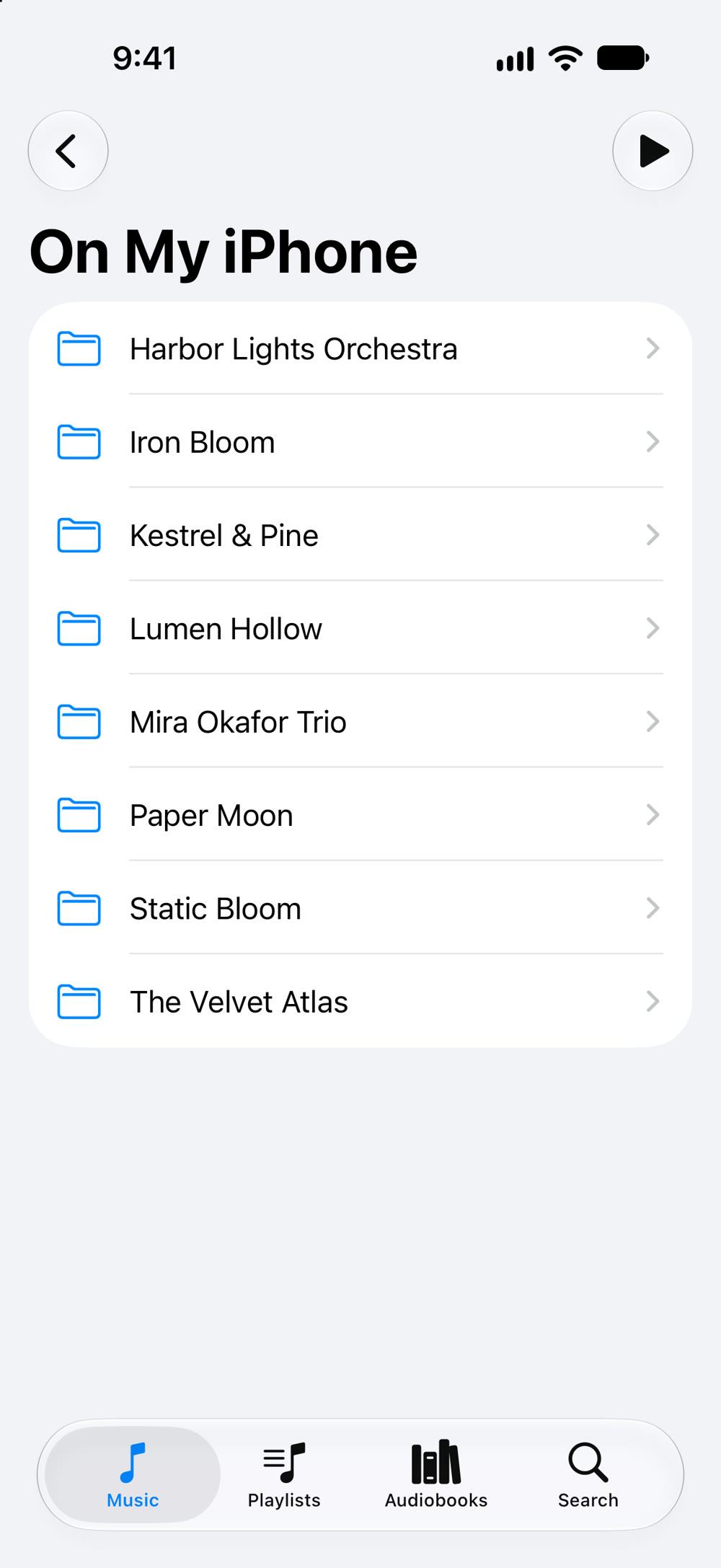
- No importing. Point Tonearm at a folder in iCloud Drive or on your iPhone, and it plays your music right where it is. Nothing to convert, copy or upload over Wi-Fi.
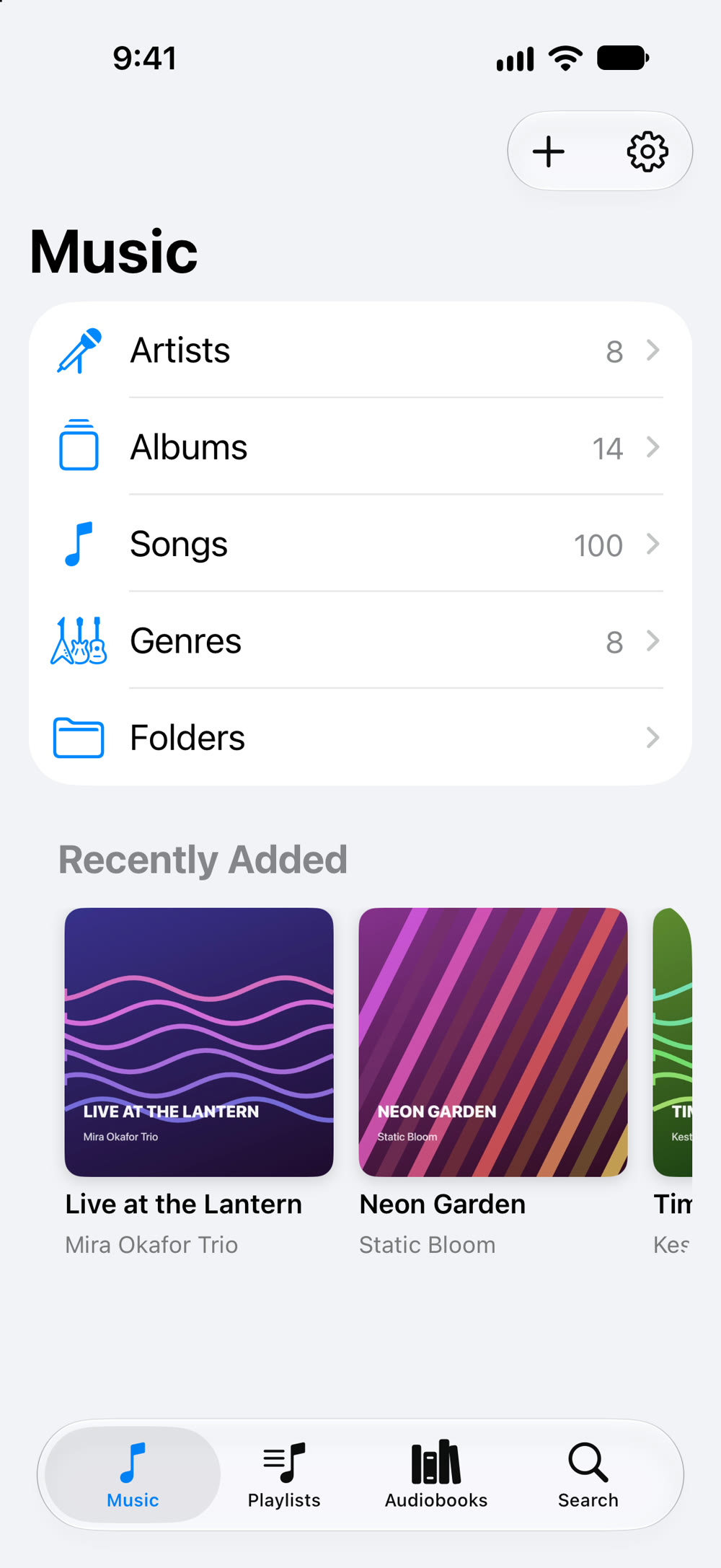
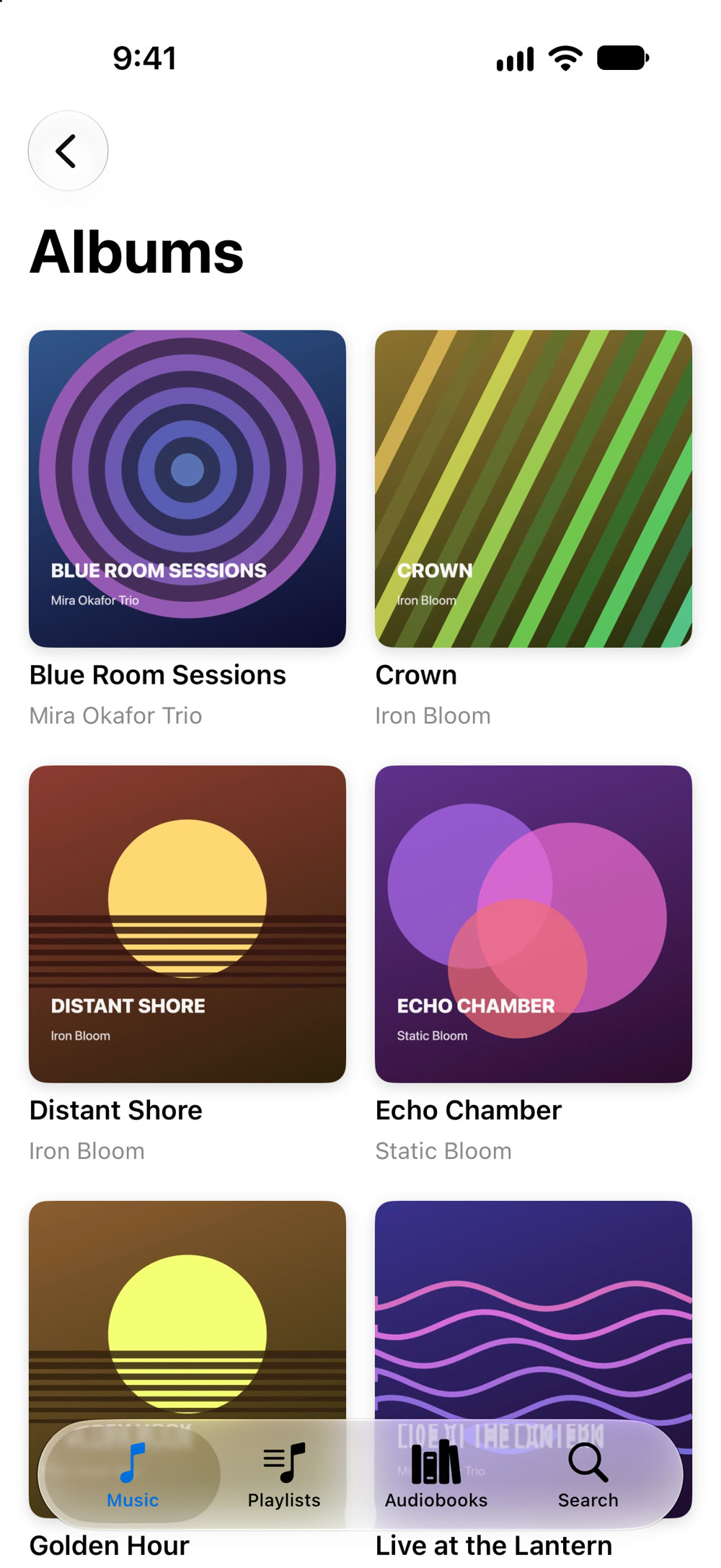
- Your library, the way it should look. Browse by artist, album, song, genre or your own folders. Wrong title or missing artwork? Fix it in Tonearm without touching the original files.
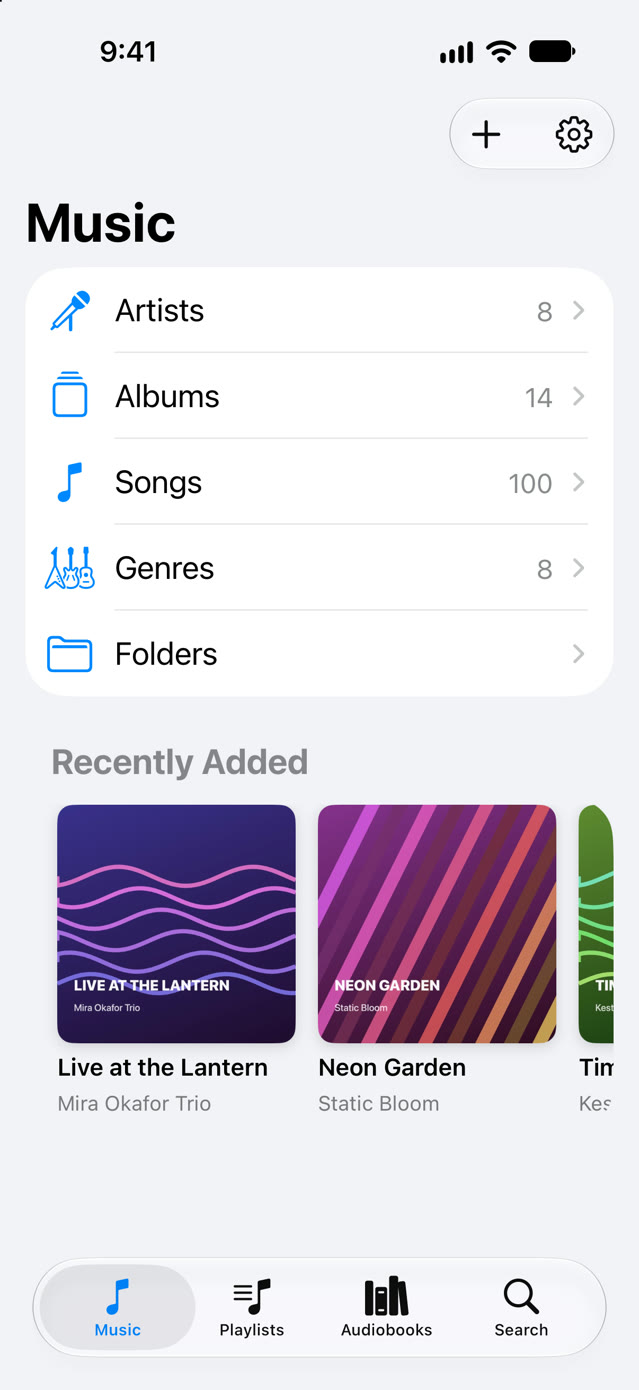
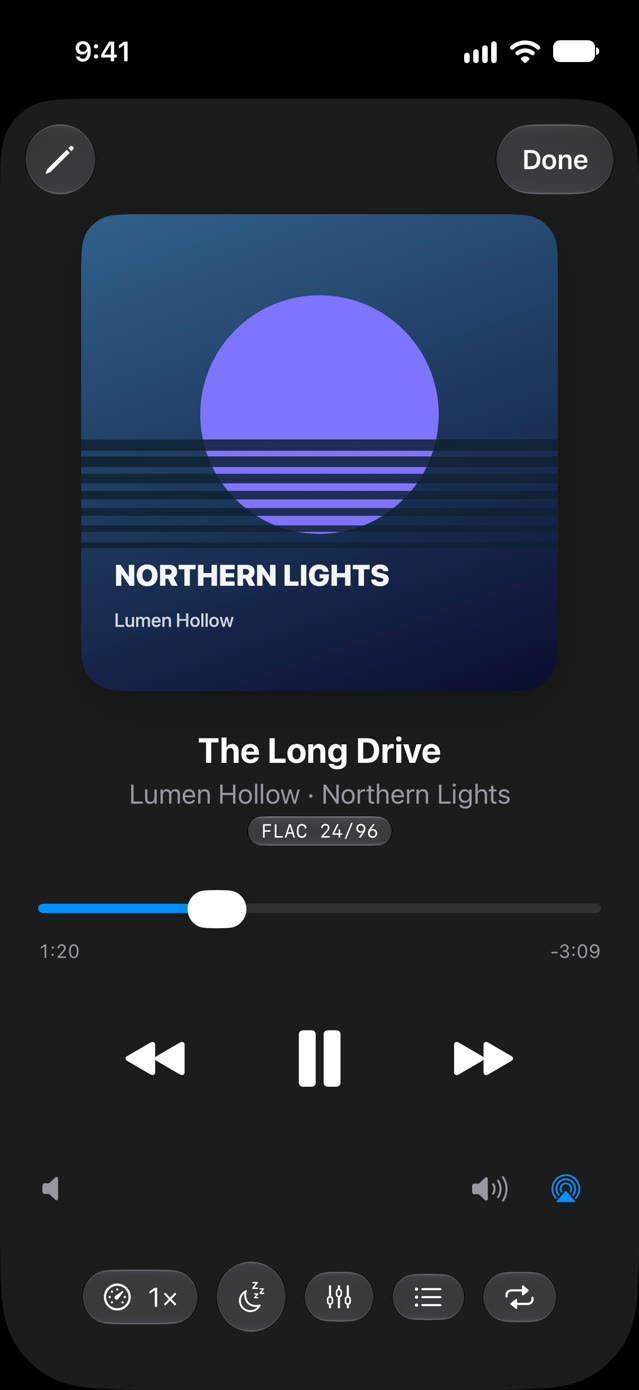
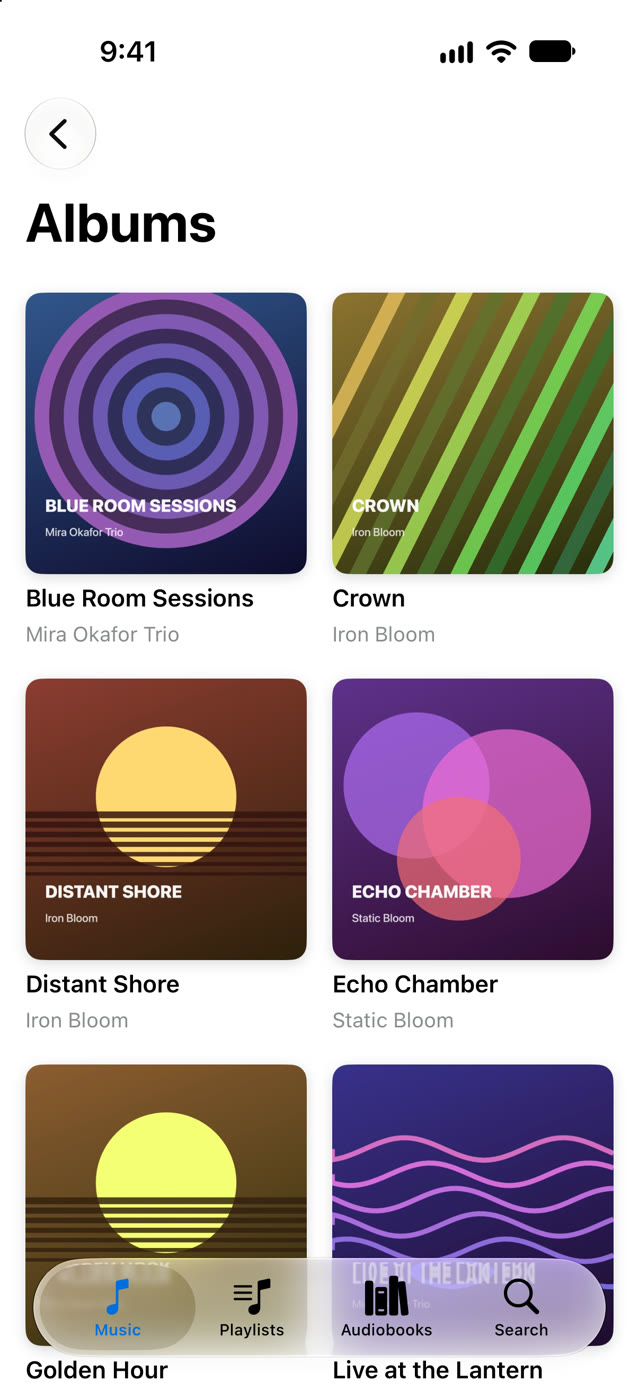
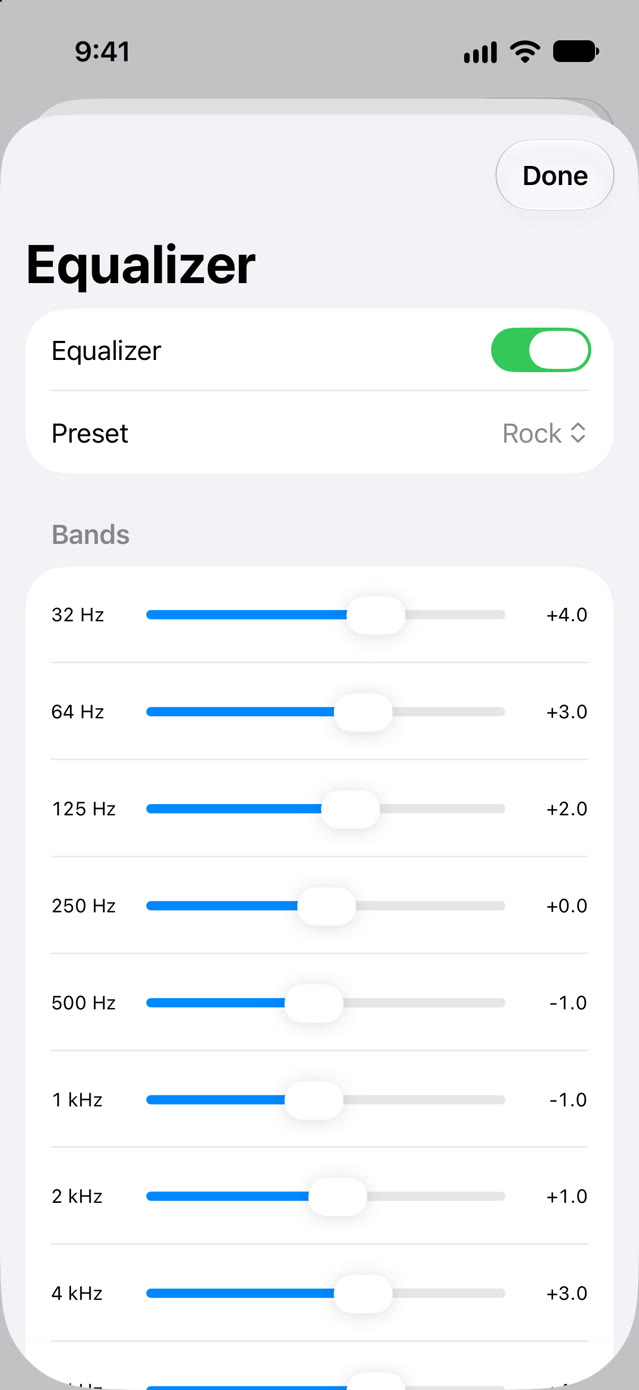
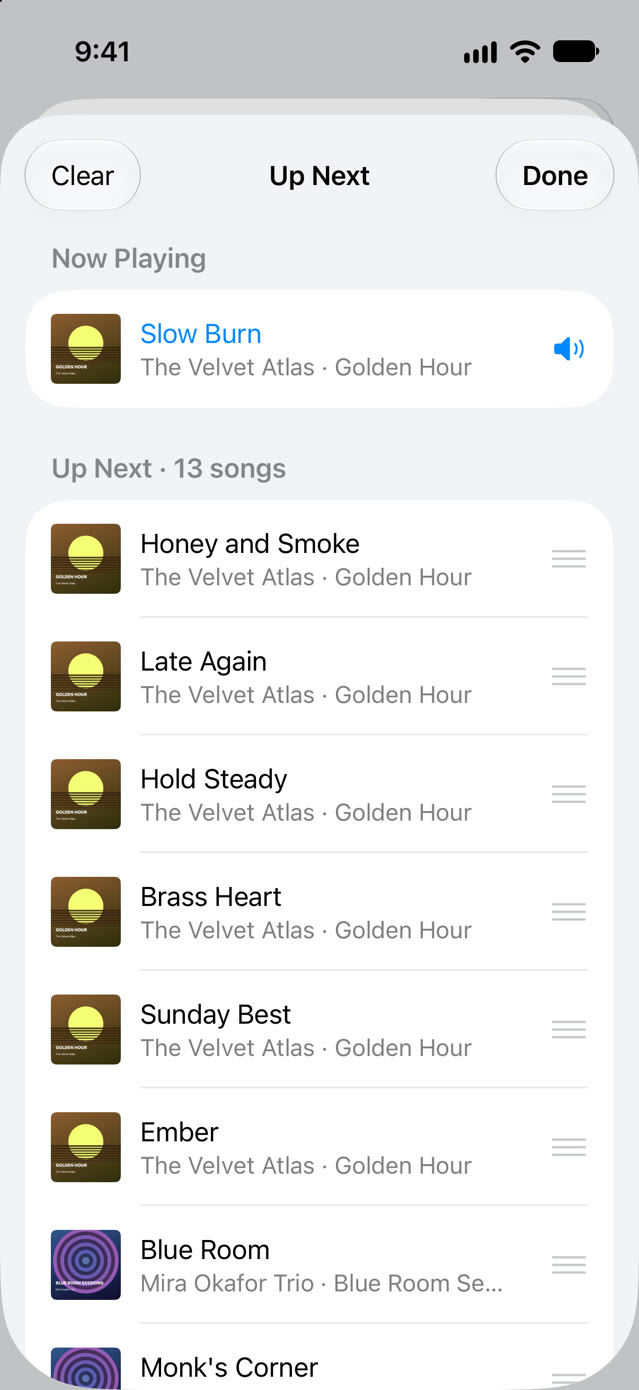
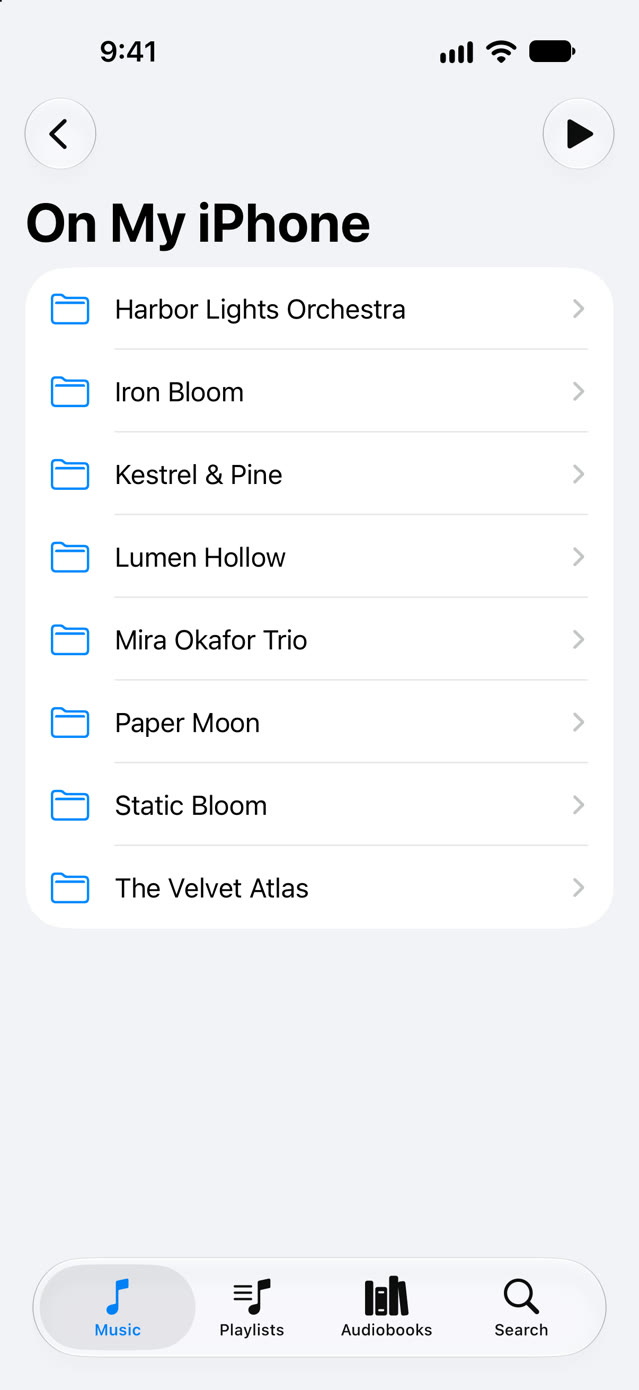
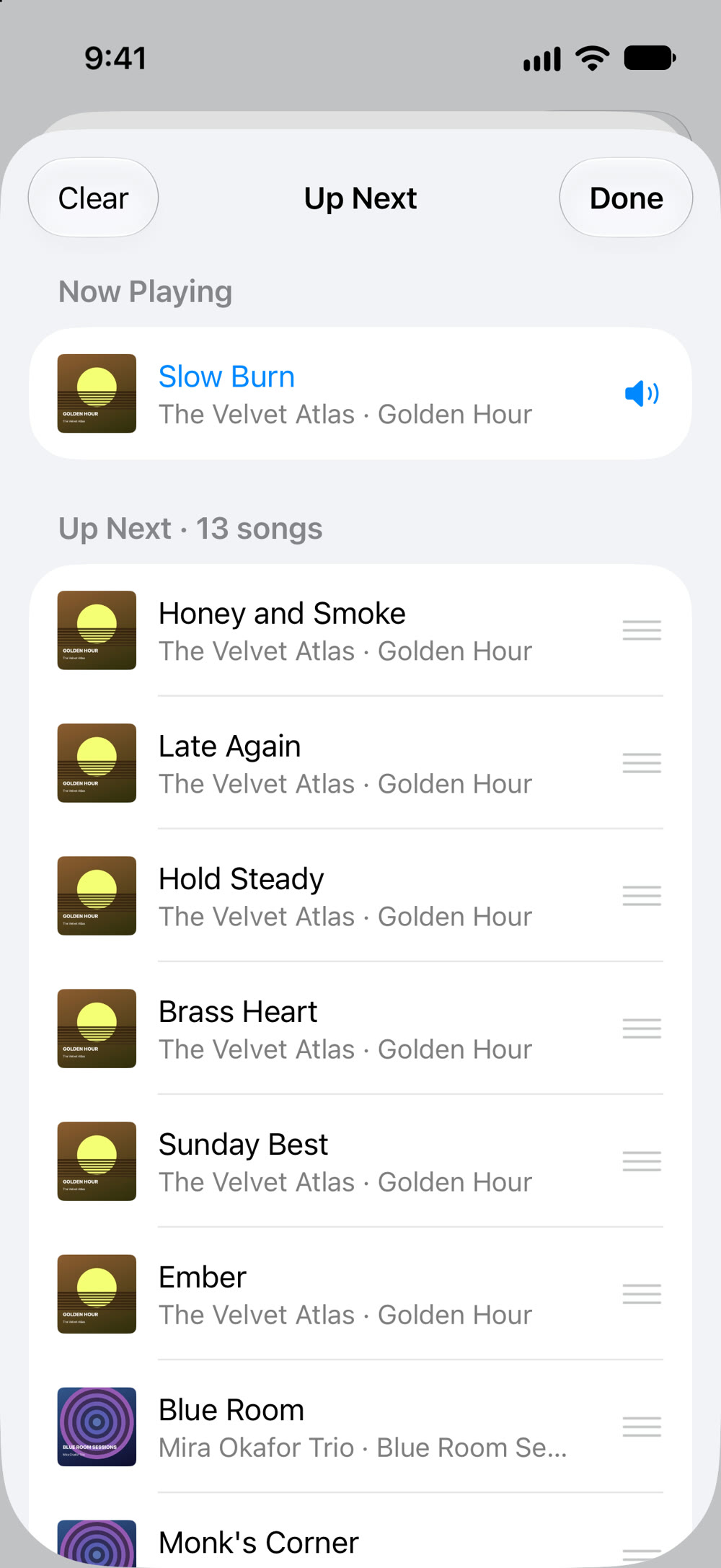
Screenshots taken on iOS 27. The artists and albums are made up for the screenshots.
What else it does
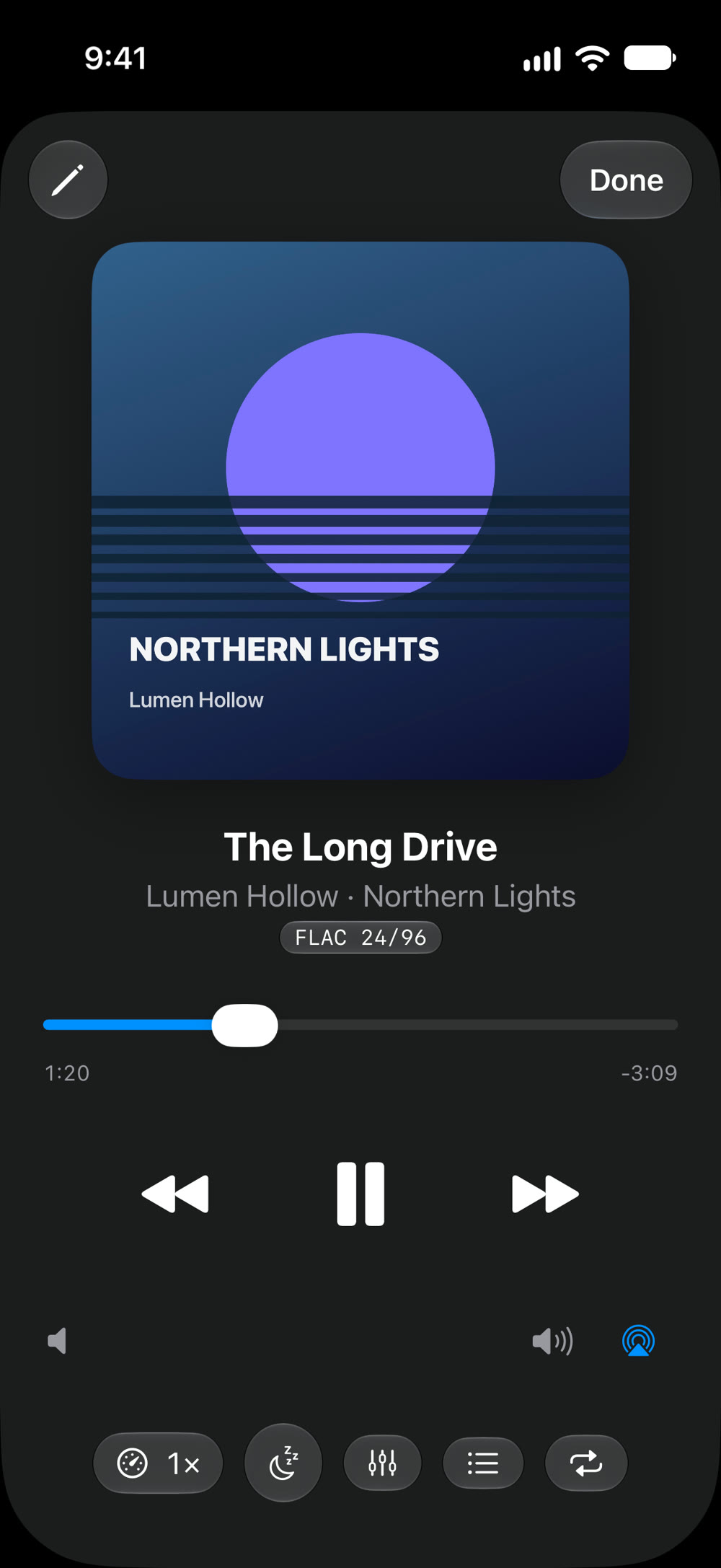
- Gapless. Live albums and DJ mixes play straight through, with no gap between tracks.
- Sound you can tune. 10 bands, presets or your own curves, automatic headroom, and ReplayGain by album or track.
- Queue and sleep timer. Play Next, Add to Queue, Up Next, and a sleep timer that can stop at the end of the song.
- Audiobooks that remember. A separate Audiobooks section where every book keeps its place and its own speed.
- Speed without chipmunks. 0.5× to 3×, with voices kept at their natural pitch.
- Playlists. Make your own, or import
.m3uplaylists from other apps. - Keep on This iPhone. Keep a folder on the iPhone for a flight, and a Smart Cache keeps what's coming up ready.
- Find it fast. Live search, your songs in Spotlight, and "Resume Tonearm" with Siri.
- Dark mode. Follows your iPhone's light or dark appearance.
Good to know
- Tonearm plays music files you have. It doesn't stream or sell music, and it can't play songs protected with DRM, such as Apple Music downloads.
- iPhone only for now.
Setup
- Tap +, then Add Music Folder…, and choose a folder in the Files app.
- Tell Tonearm whether the folder holds music or audiobooks. It sorts them into Music and Audiobooks.
You can also copy files in from a Mac: connect the iPhone, select it in Finder, click Files, and drag music onto Tonearm.
Pricing
Free for up to 50 songs and 2 audiobooks, with every feature. Tonearm Unlimited is $4.99, once, for your whole library. No subscription, no ads. Family Sharing included.
Support
- Songs show only a file name? They're still in iCloud. Tonearm reads their tags on Wi-Fi, or when you play them.
- An audiobook landed in Music? Tap ⋯ next to it and choose Move to Audiobooks.
- Unlock missing on a new iPhone? Tap Restore Purchase in Settings.
Anything else: support@voussoirsoftware.com, or Settings → Email Support in the app.